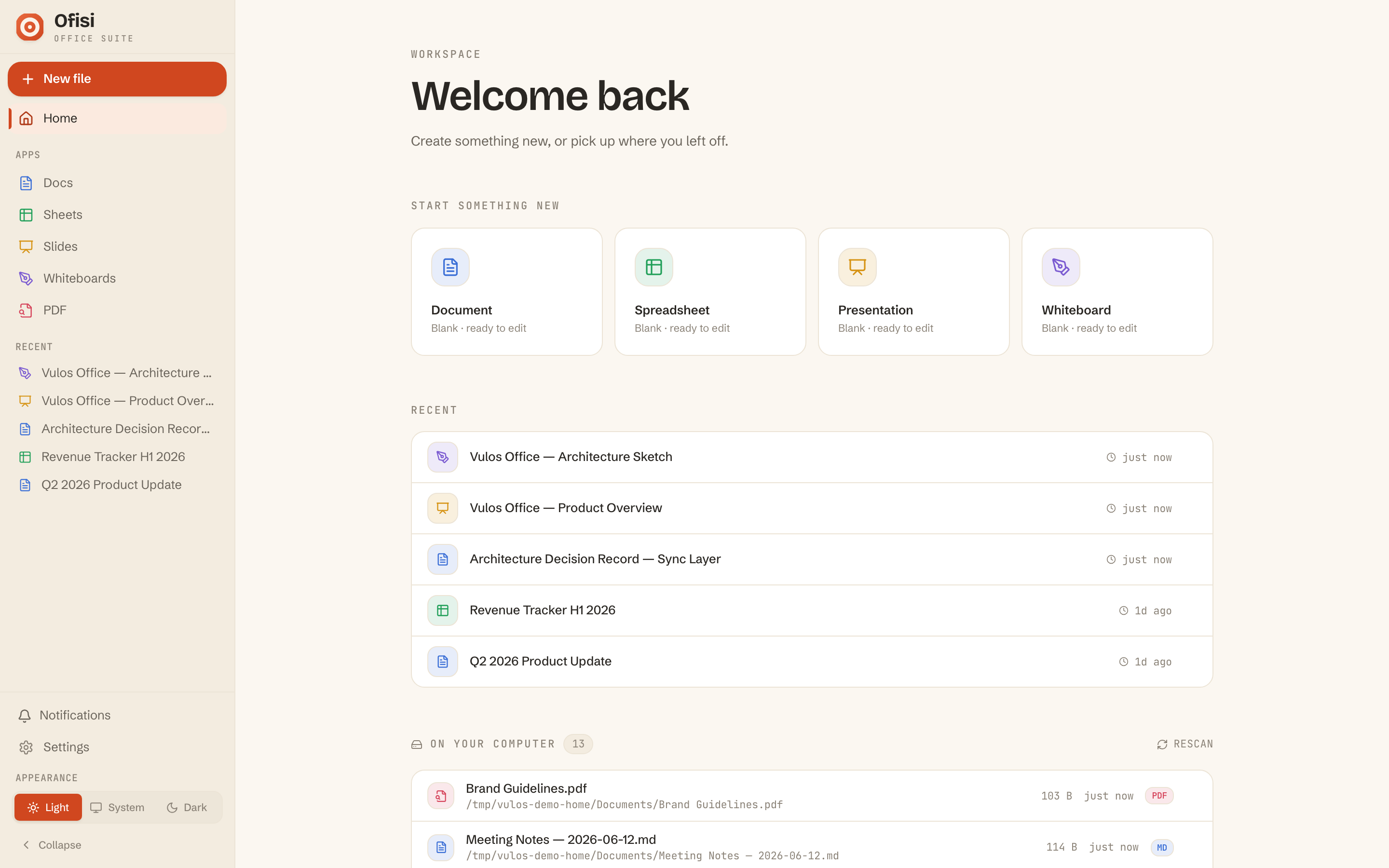
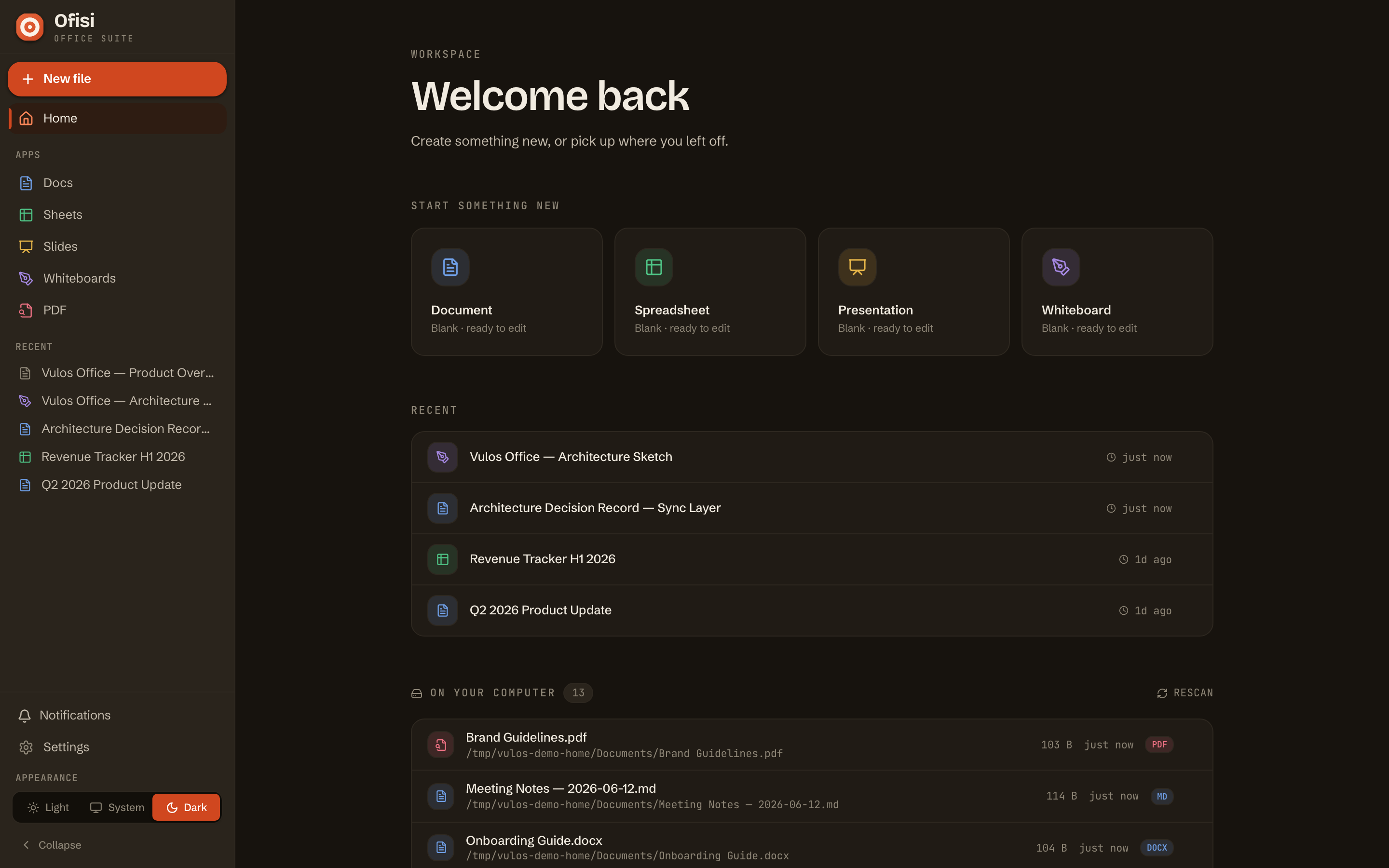
Ofisi is documents, spreadsheets, slides and an infinite whiteboard — real-time, CRDT-native, in a single Go binary. No central document server ever sees your files. Install it into Vulos OS from the app store, or run it anywhere.
One binary · Docs · Sheets · Slides · Whiteboards · PDF signing · Your bucket
One binary, five surfaces
Every surface shares one storage layer, one identity, and one collaboration fabric — so a link, a paste, or a co-editor works the same everywhere.
Rich word-processing on ProseMirror.
A real grid — formulas, charts, pivots.
Presentations with a template gallery.
Infinite canvas built on Excalidraw.
View, annotate, and multi-party sign.
Interactive demo
A live taste of Ofisi, running entirely in your browser — nothing is sent anywhere and nothing is saved. Format a document, then compute a live spreadsheet.
Select any of this text and hit B, I or U in the toolbar. Drop your cursor on a line and turn it into a heading, or start a list. It is a full rich-text surface — try it.
The real thing is a ProseMirror word processor that merges edits over CRDTs, on storage you own.
| A | B | C | D |
|---|
A front-end toy. The real Ofisi syncs these surfaces live over CRDTs on storage you own — no central document server.
Capabilities
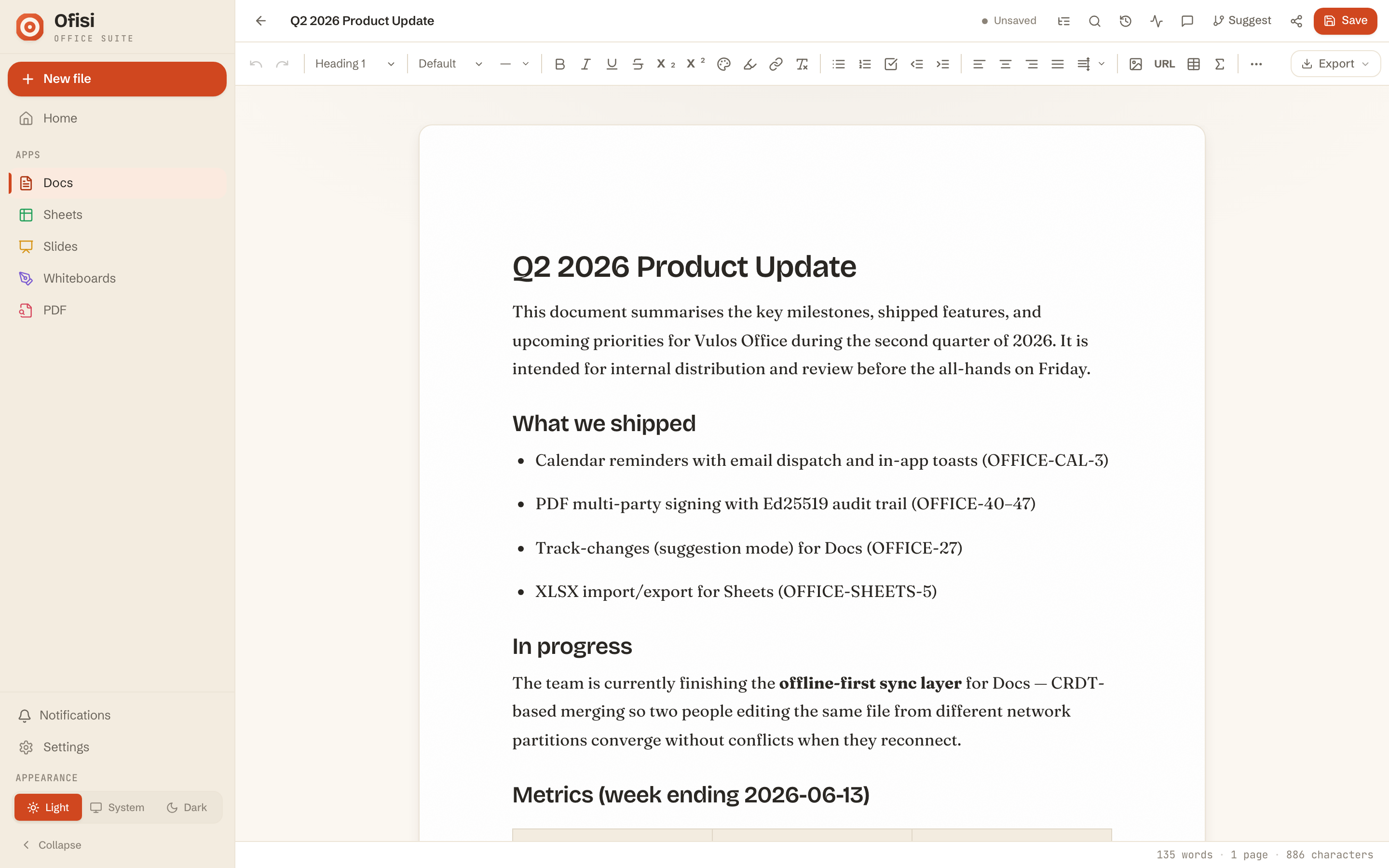
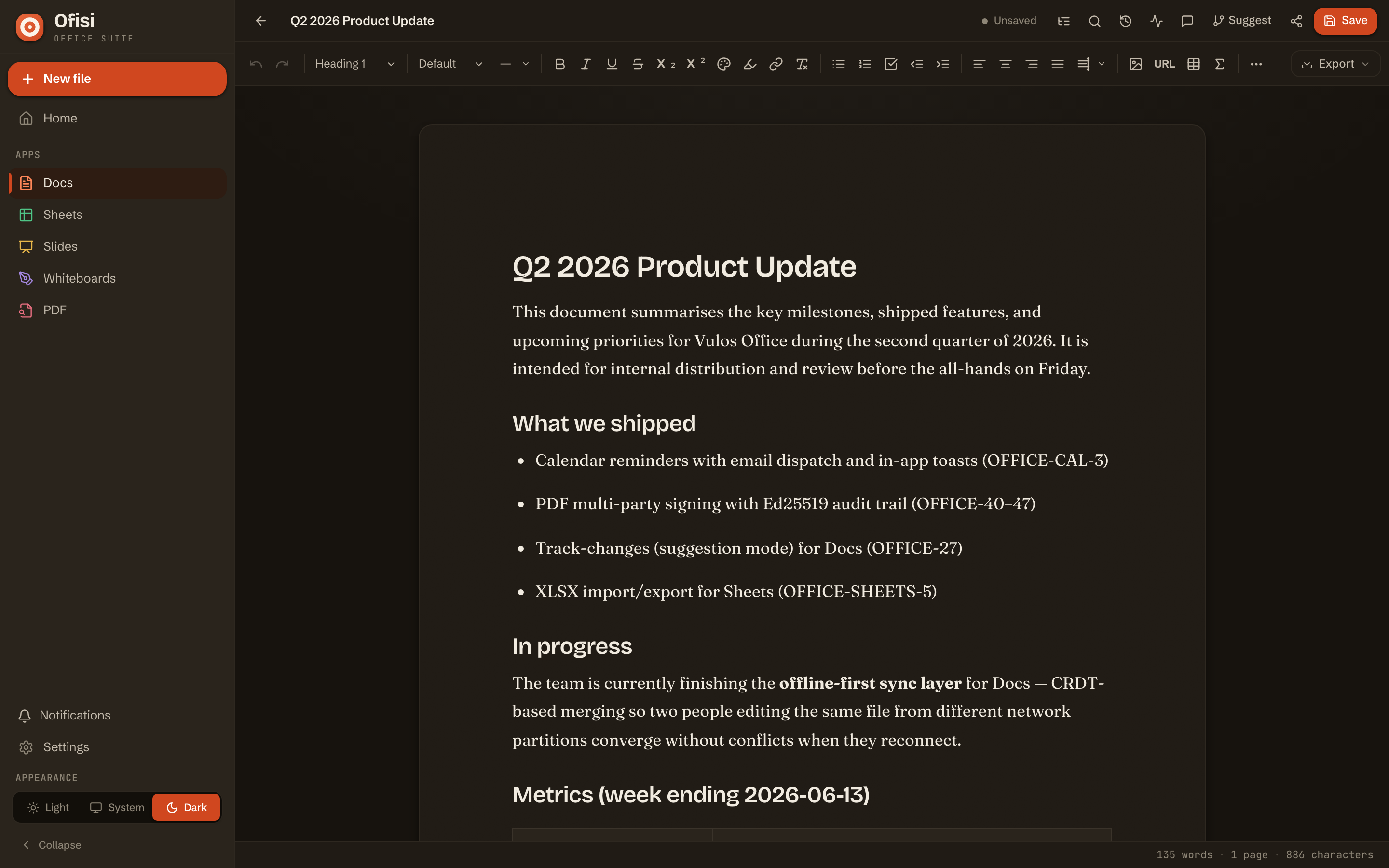
A ProseMirror/TipTap word processor with headings, tables, lists, images, links, and track-changes suggestion mode. Because edits are Yjs CRDT updates keyed to real document positions, a remote change never lands at the wrong offset.
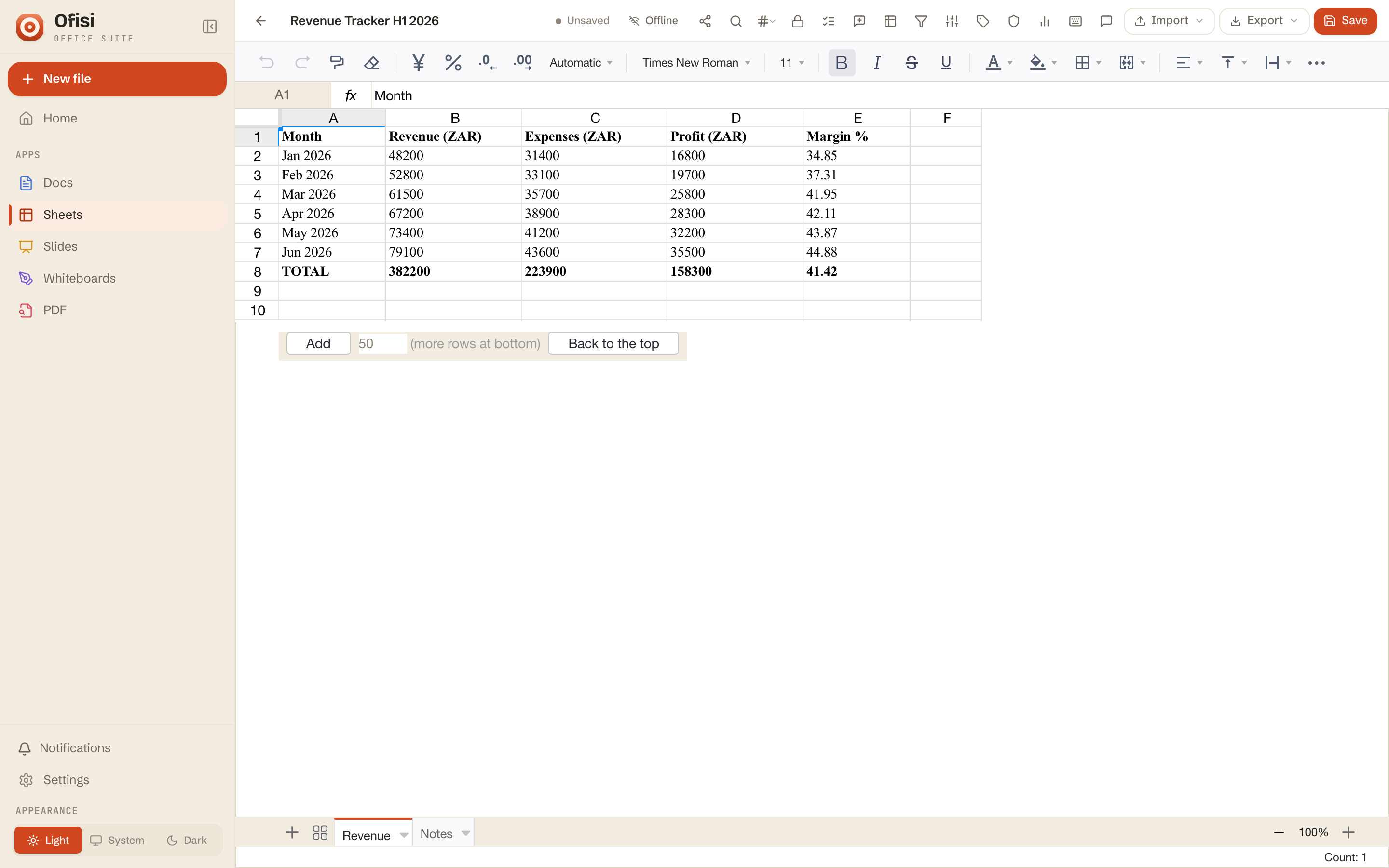
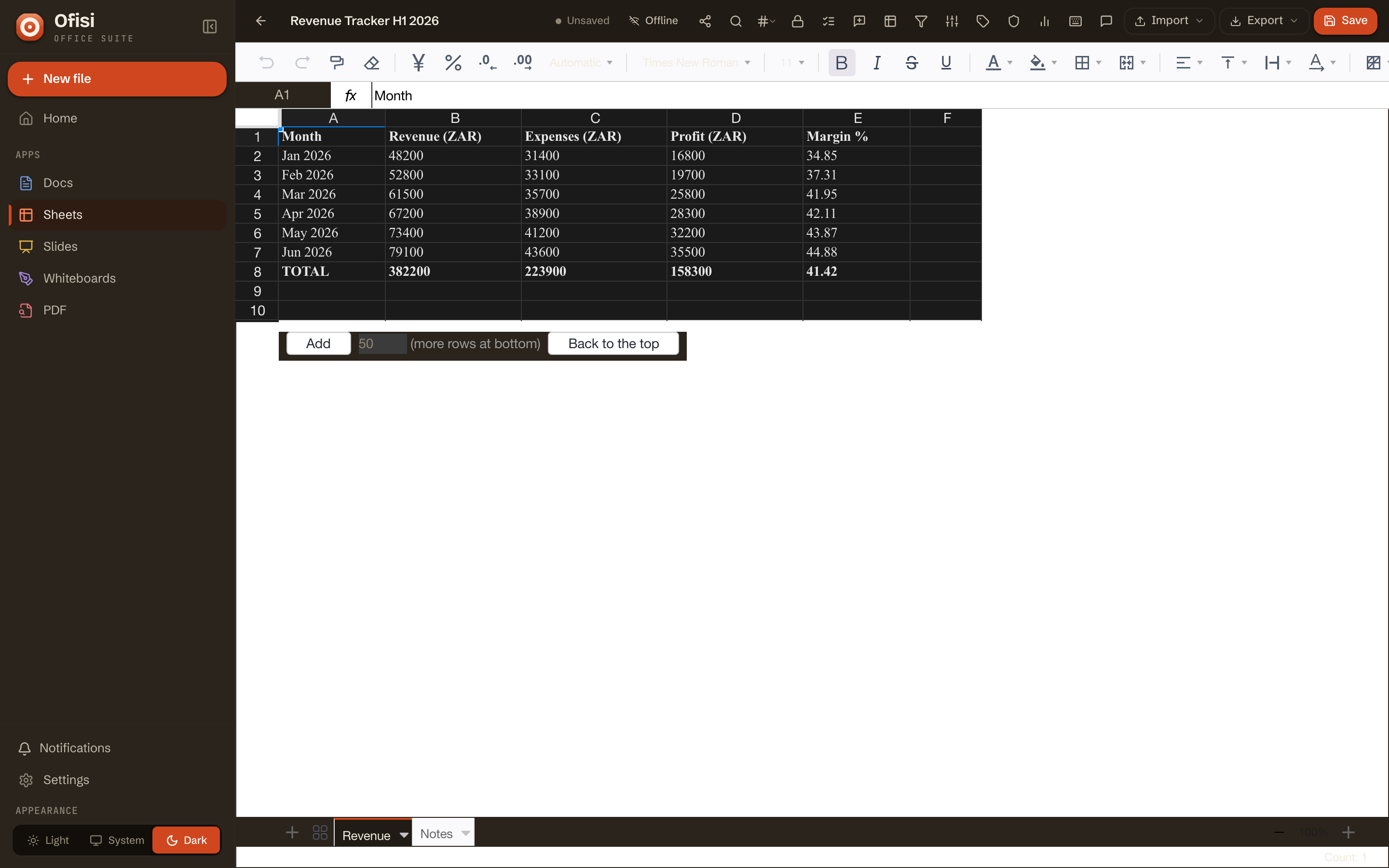
Formulas, charts, pivots and conditional formatting over a last-writer-wins grid CRDT: concurrent writes to different cells merge cleanly, and same-cell writes resolve to the later editor. Charts, pivots and formatting rules broadcast as their own operations.
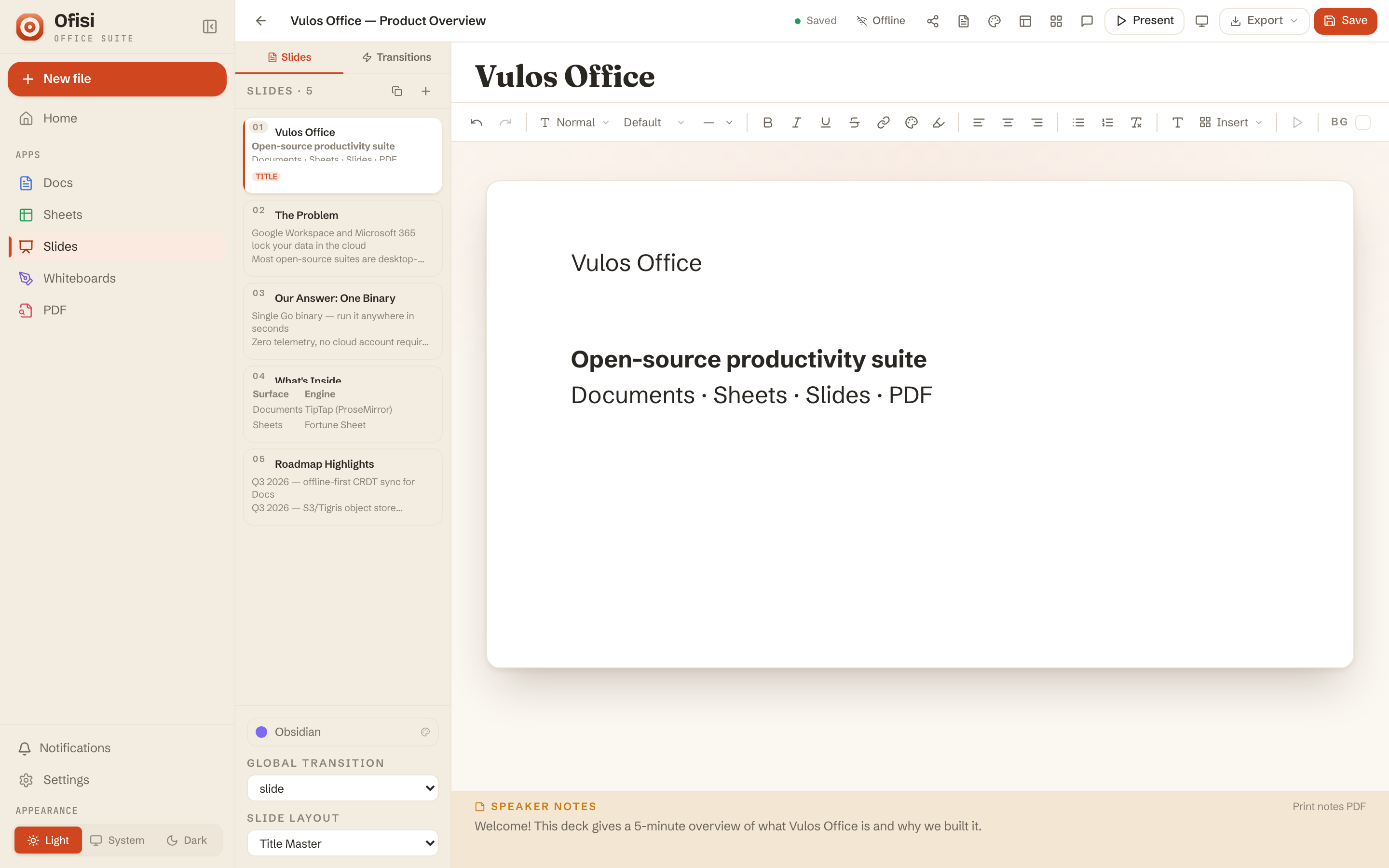
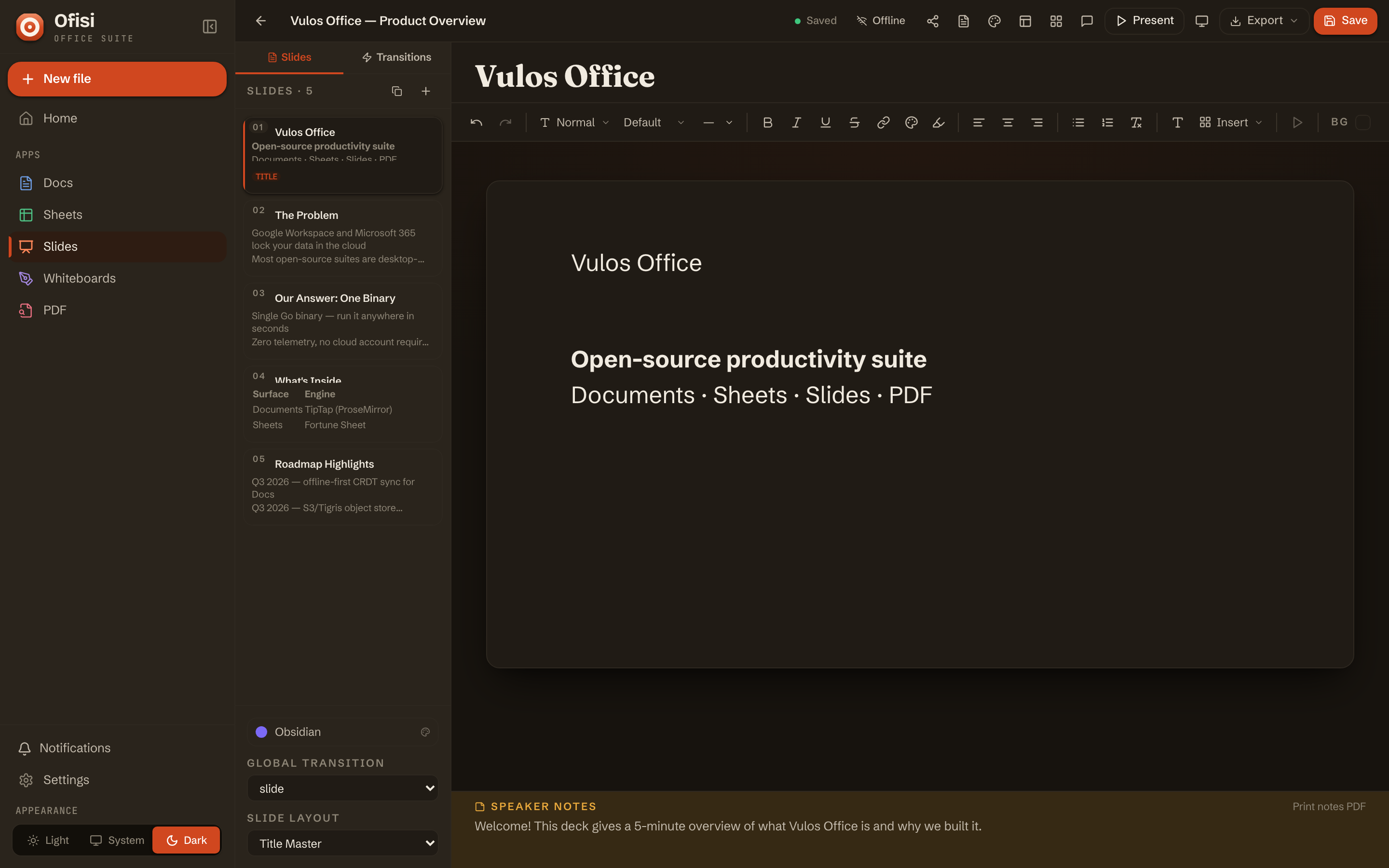
Slide and object ordering rides a fractional-index tree CRDT, so two people can reorder, restyle and add objects at once and still converge. Start from the in-editor template gallery or a blank deck.
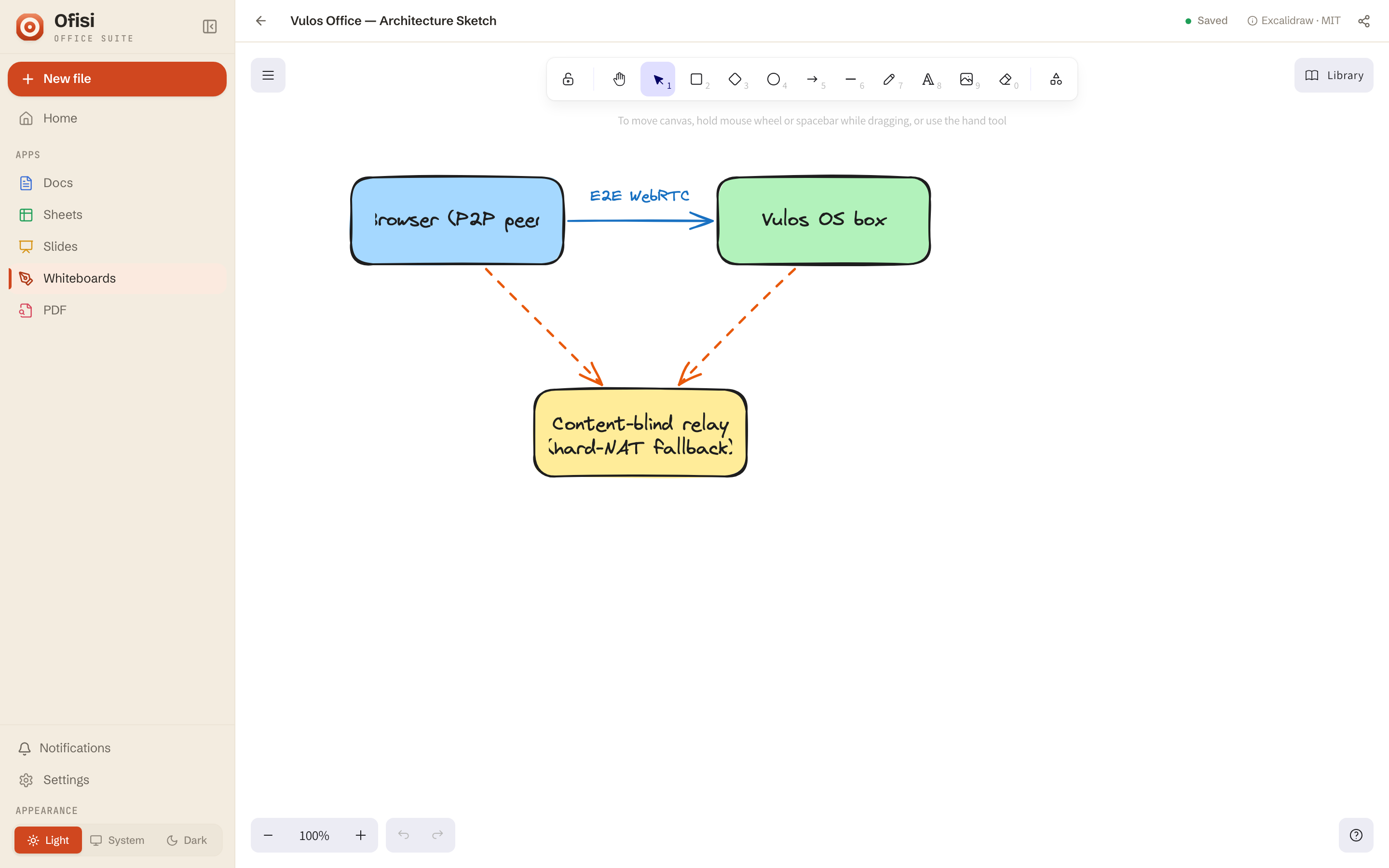
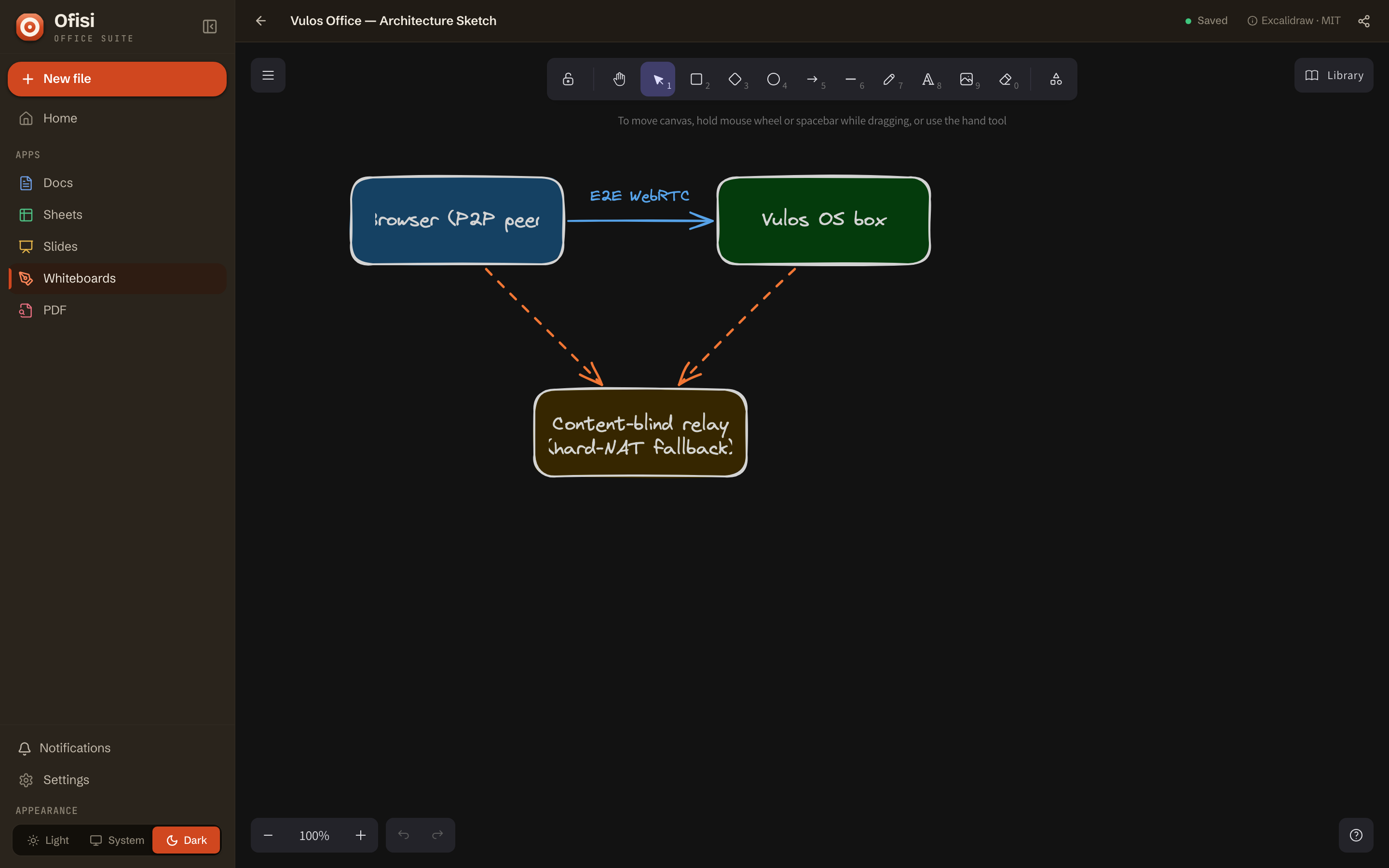
Built on Excalidraw, the whiteboard keeps each element one-per-id in a Yjs map, so concurrent edits to different shapes merge with no conflict. It rides the exact same end-to-end-encrypted peer-to-peer transport as Docs — there is no separate whiteboard server.
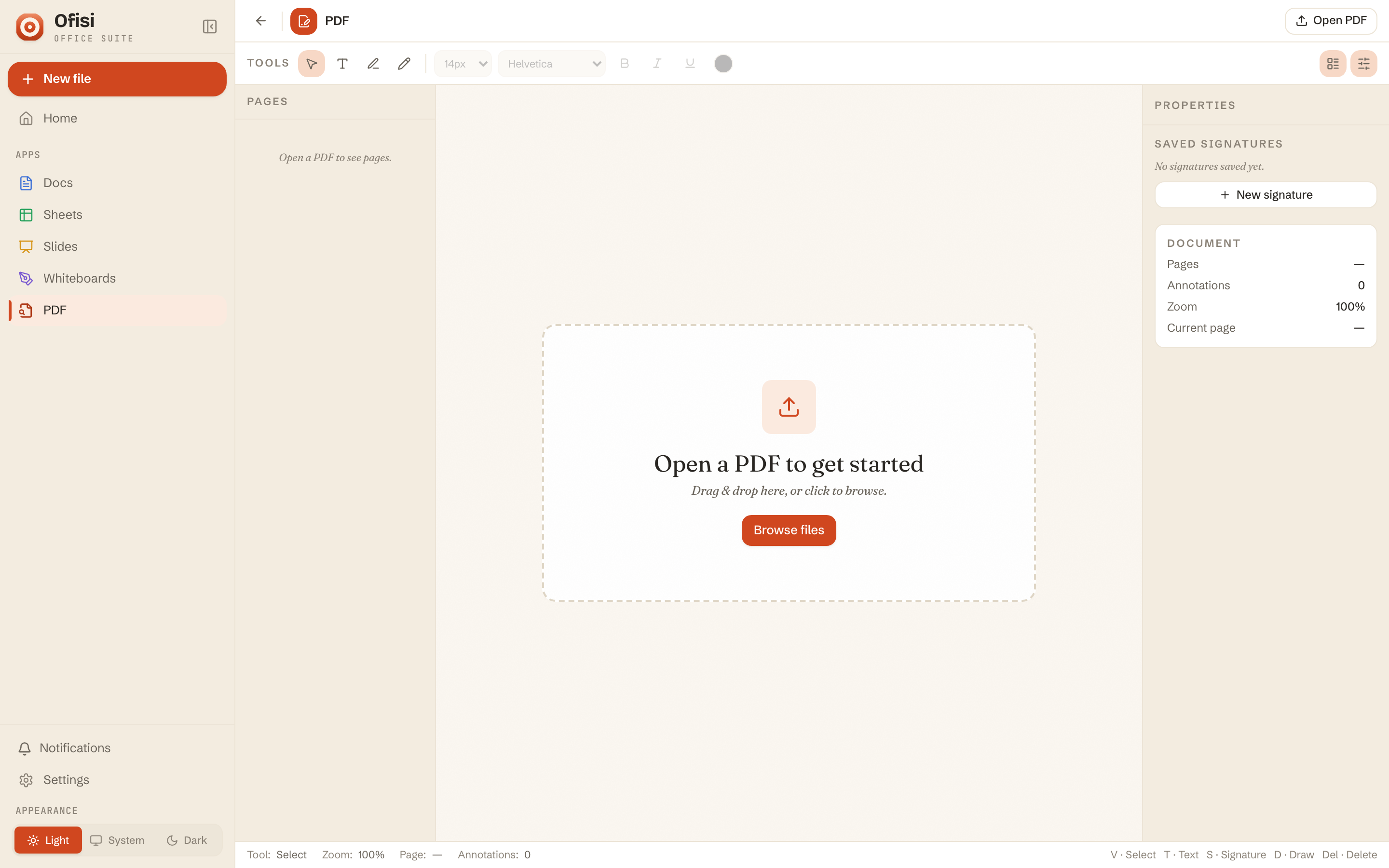
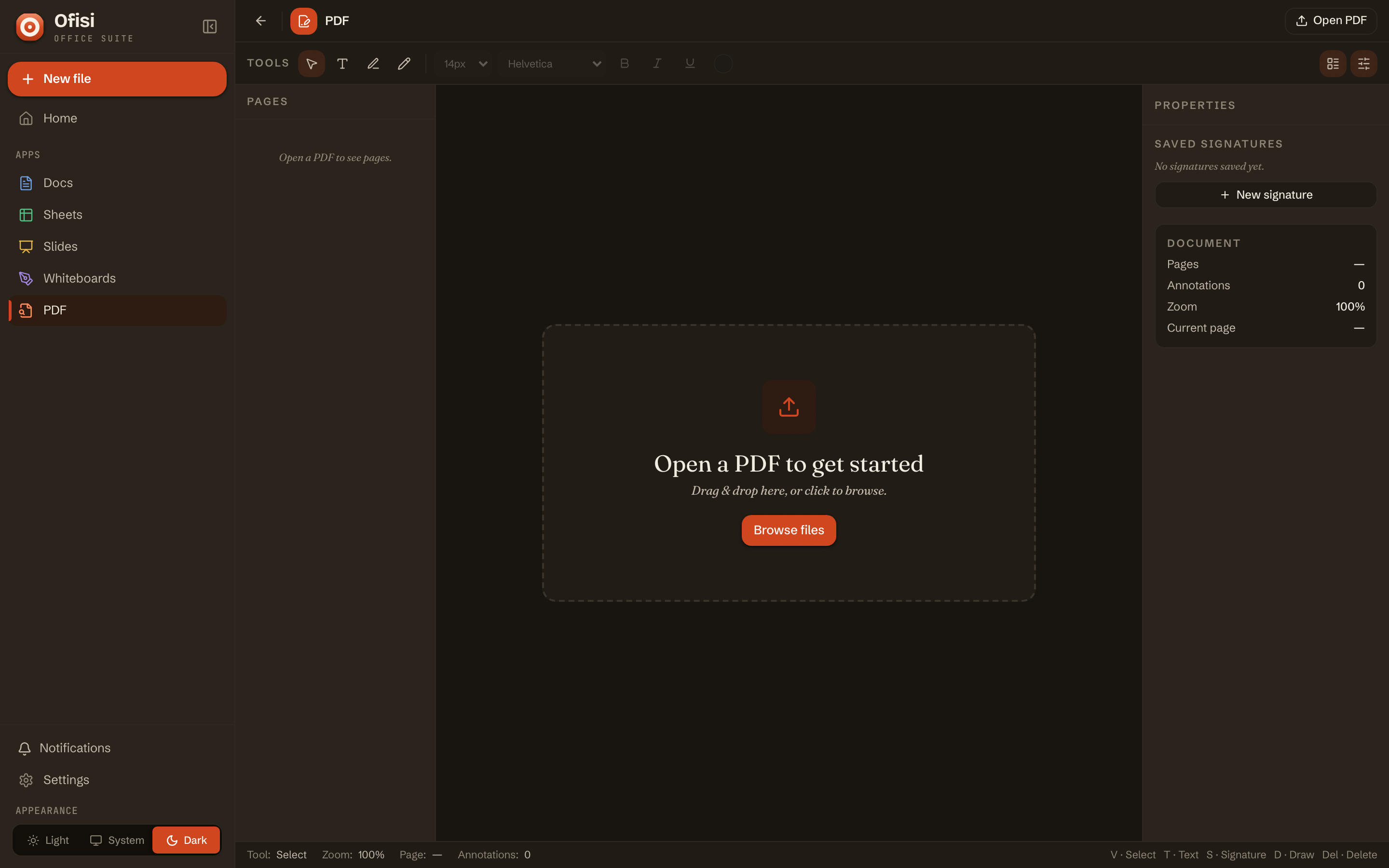
View and annotate PDFs, then run a full e-signing workflow: build an envelope, collect multi-party signatures, and produce a sealed PDF with an Ed25519 audit trail. Import and export PDF across every surface.
Collaboration
Every keystroke rides an end-to-end-encrypted peer-to-peer room. No server stores, relays, or reads your document’s edits — the defining difference from server-mediated suites.
Peers connect directly over WebRTC. A content-blind relay is used only as a last-resort fallback for hard NATs, and even then it moves ciphertext it cannot read. The only server role is content-blind peer discovery.
Edits travel directly between collaborators over WebRTC data channels — no doc-state hub in the middle.
Frames are sealed AES-256-GCM under a room key carried in the URL fragment — it never reaches any server.
Yjs and grid/tree CRDTs converge with no central authority: any order, more than once, still identical.
You always edit your local copy. Lose the network and you keep typing; changes autosave and re-merge on reconnect.
The transport, drawn
Collaborators hold direct, encrypted channels to one another. The relay in the middle only helps two peers find each other and, for stubborn networks, forwards frames it cannot decrypt. Take the relay away and a LAN full of peers still co-edits.
Get started
No account to create, nothing to configure. Open the app and you are already working — here is the whole first run.
Start Ofisi from the app store, a container, or the single binary — then open localhost:8080. The home screen loads instantly with no sign-in: every surface, and your files, are right there.
Hit New from the file browser and pick a surface. Everything lands in one place, searchable and organised — your documents, spreadsheets, slides and whiteboards side by side on storage you own.
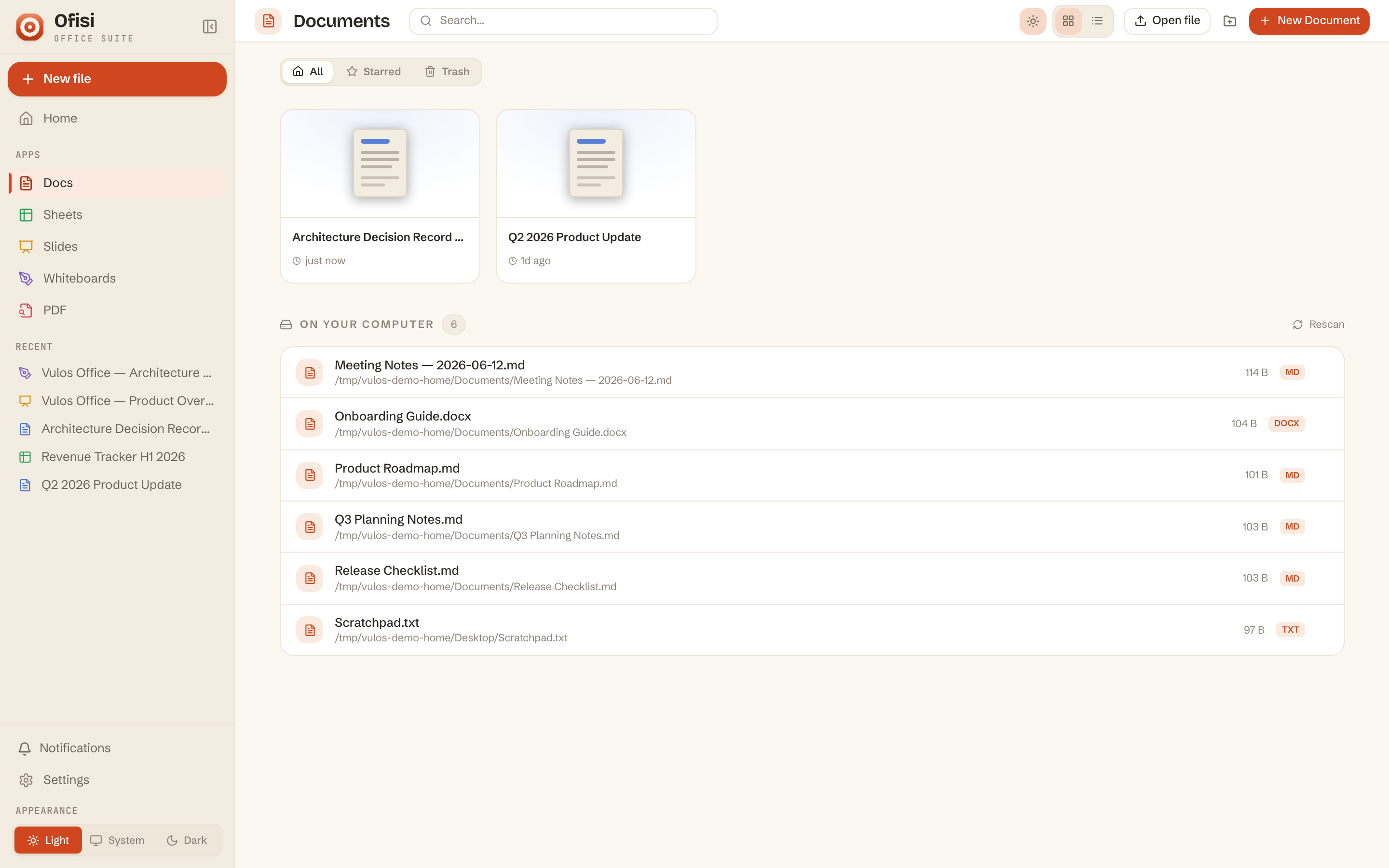
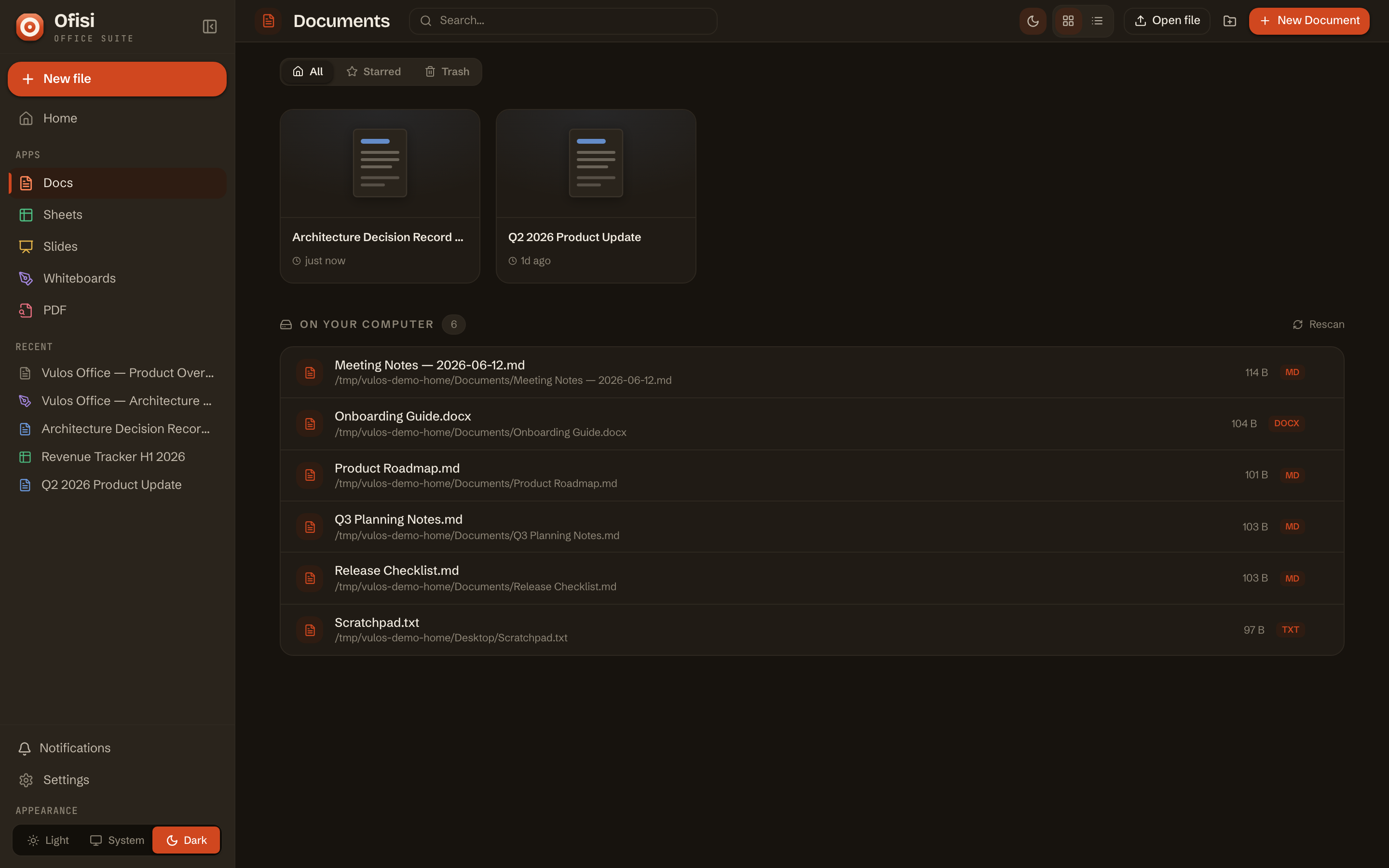
The full editors: track-changes and comments in Docs, formulas, charts and pivots in Sheets, a positioned-object canvas in Slides. Import .docx, .xlsx, .pptx or PDF, and export the same.
Share a document by invite link and co-editors join a live, end-to-end-encrypted room. The room key rides the URL fragment and never touches a server; edits merge conflict-free over CRDTs, straight between browsers.
Install
The whole web app is embedded in a single Go binary — one process, one port, one data directory, no external dependencies. Copy a command and you are live.
VULOS_OFFICE_JWT_SECRET.
Full steps in the Install guide.
Yours to run
Ofisi is a standalone product — a one-click app-store install for Vulos OS, and never second-class when you self-host it yourself.
Add Ofisi from the OS app store and it co-locates with your box, sharing one S3-compatible bucket, one CRDT/peering fabric, and one sign-in. Storage and billing follow where it runs.
get.vulos.orgPoint it at any S3-compatible bucket and go. Auth is off by default for local use; flip it on for multi-user with invite tokens. Docker image and static-CDN builds included.
docker run ofisiEvery endpoint, transport and limit is in the repository. Build from source, read the collaboration crypto, and keep documents on storage you control — forever.
MIT · github.com/vul-osDocuments, sheets, slides and a whiteboard — real-time, on your own storage, with no server in the middle.