
Real-time collaboration
Multi-user editing with multiplayer cursors and presence, CRDT-backed via pure-Go reearth/ygo (Yjs-compatible). See who is in a workspace and which file they are viewing.
A self-hosted, collaborative web IDE in a single Go binary.
wede serves a full collaborative web IDE straight from your machine — no cloud, no Docker, no database. One host serves many people: open projects as workspaces, invite others with share links, edit the same files with multiplayer cursors, share terminals, and talk in per-workspace chat.
Everything included
Self-hostable, open source, and built to run anywhere — a laptop, a NAS, a Pi, or a VPS.
Multi-user editing with multiplayer cursors and presence, CRDT-backed via pure-Go reearth/ygo (Yjs-compatible). See who is in a workspace and which file they are viewing.
Open many projects on one host and switch between them. Mint invite links scoped to editor or viewer roles — tokens hashed at rest, constant-time compare, revocable.
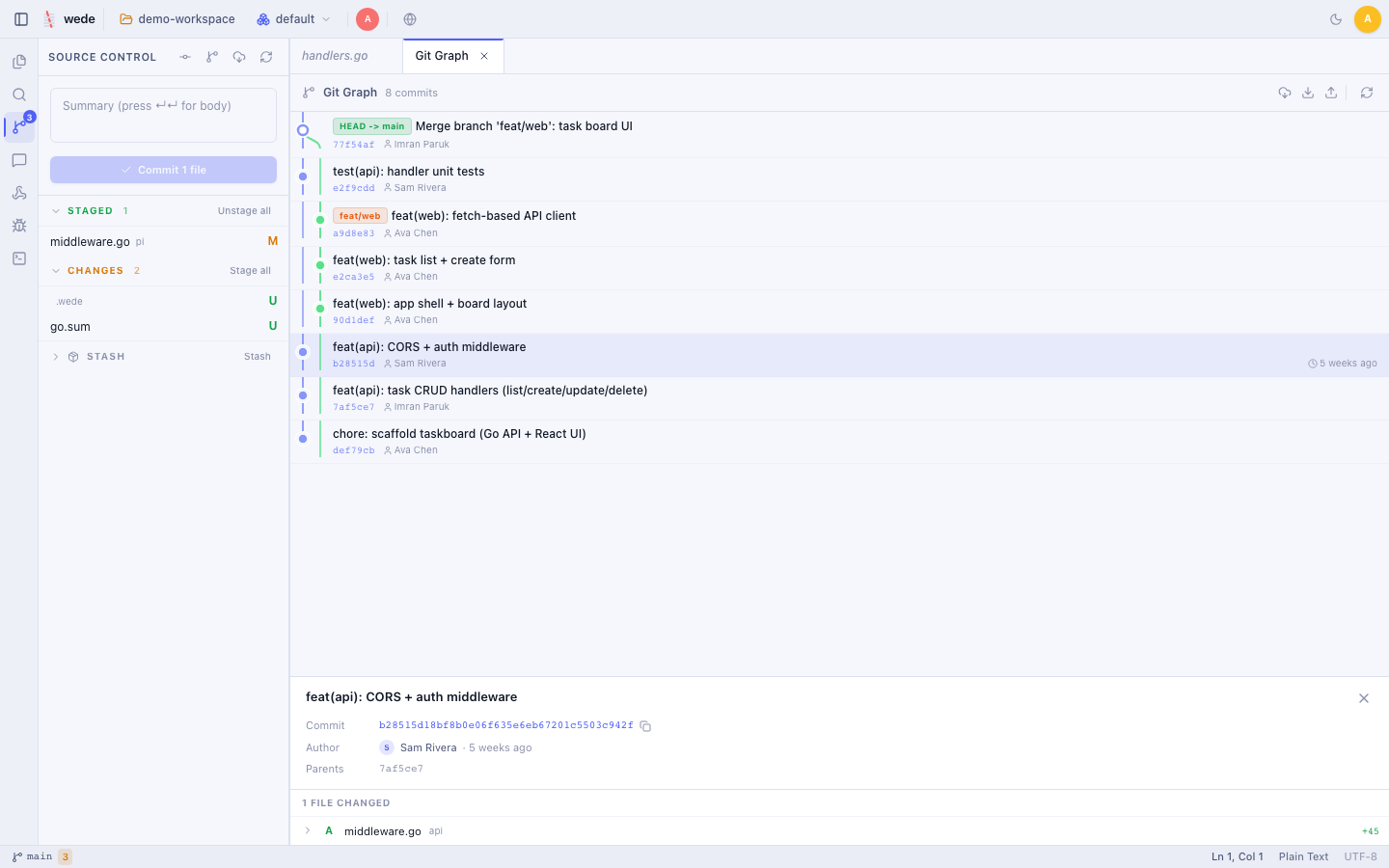
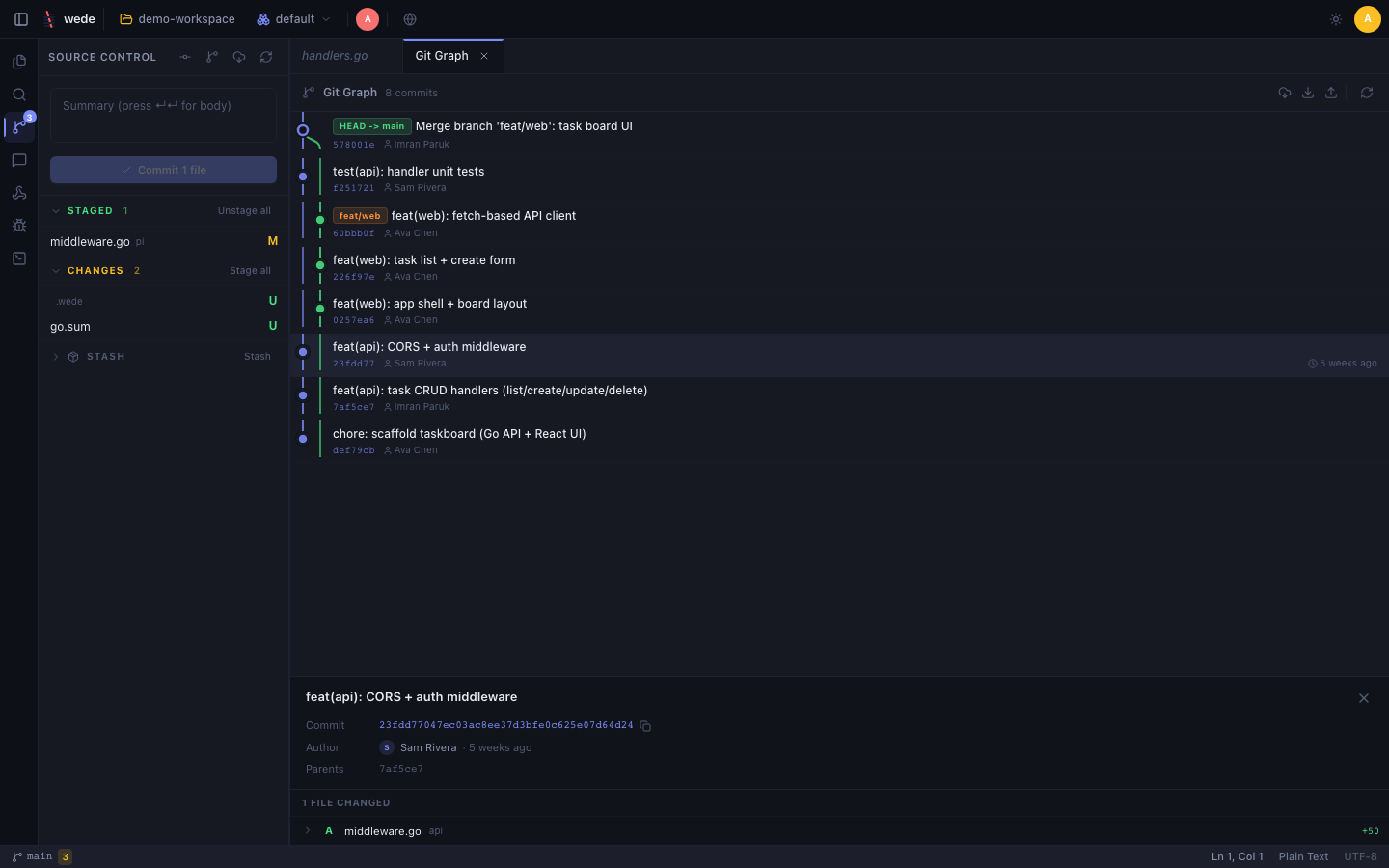
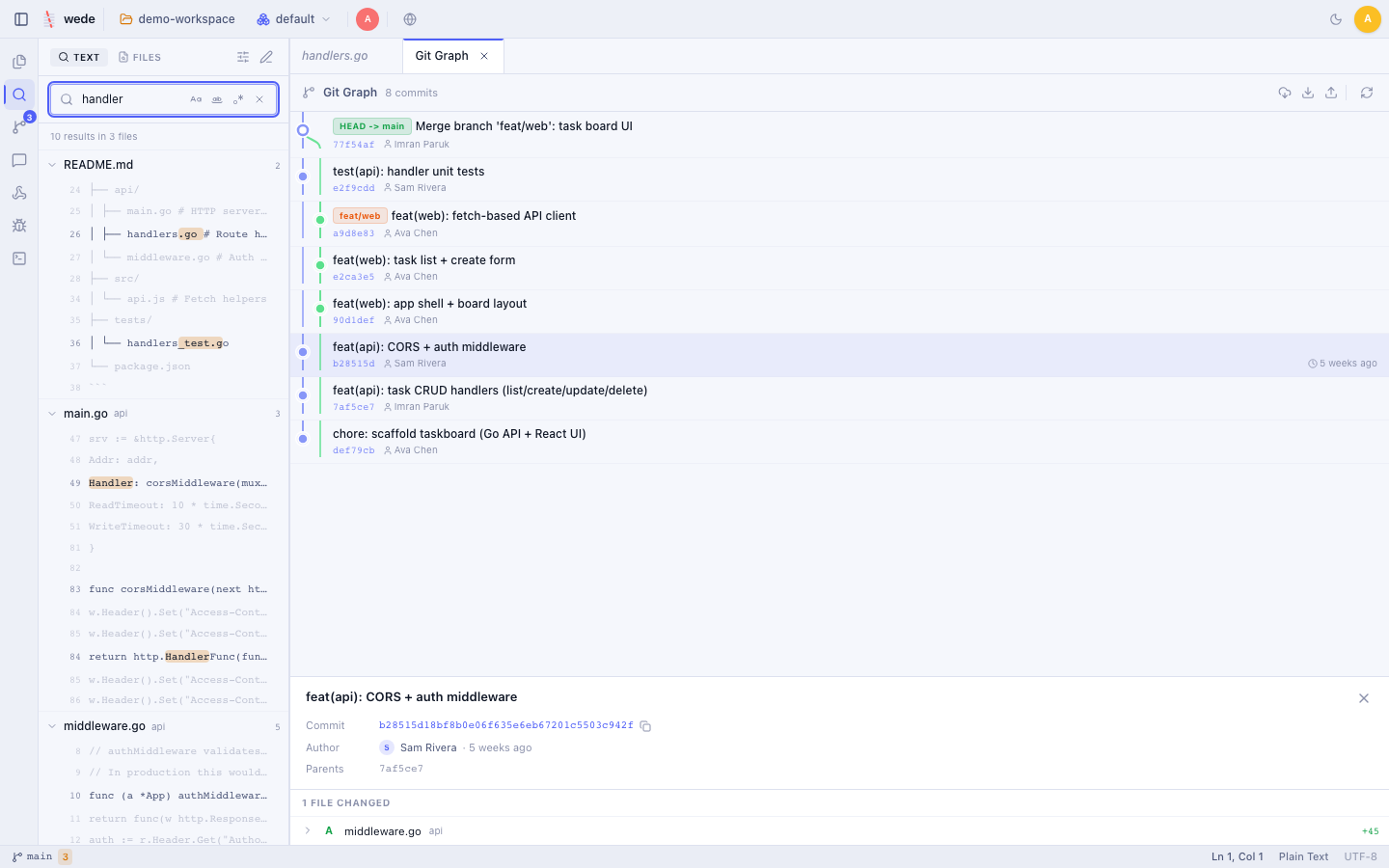
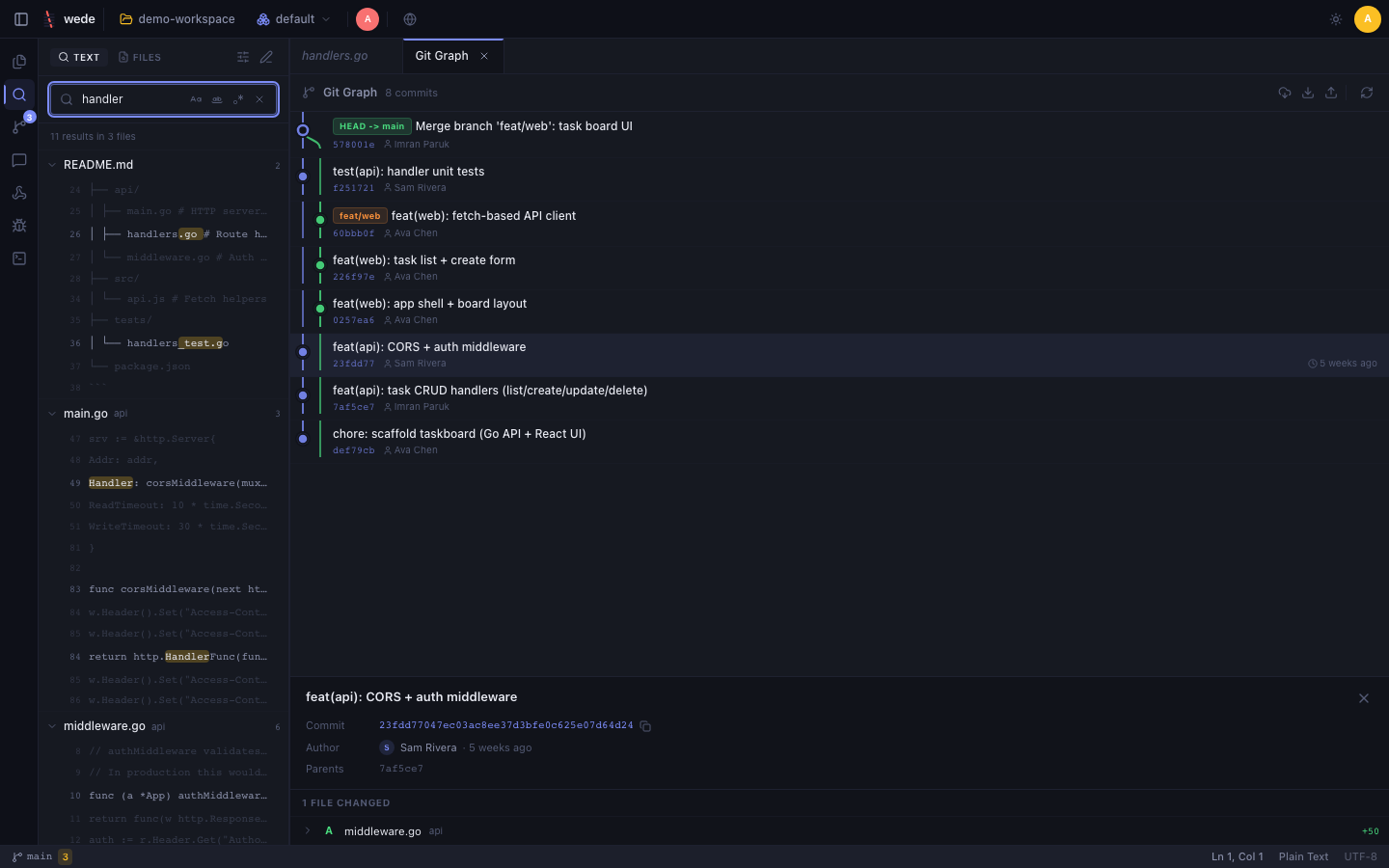
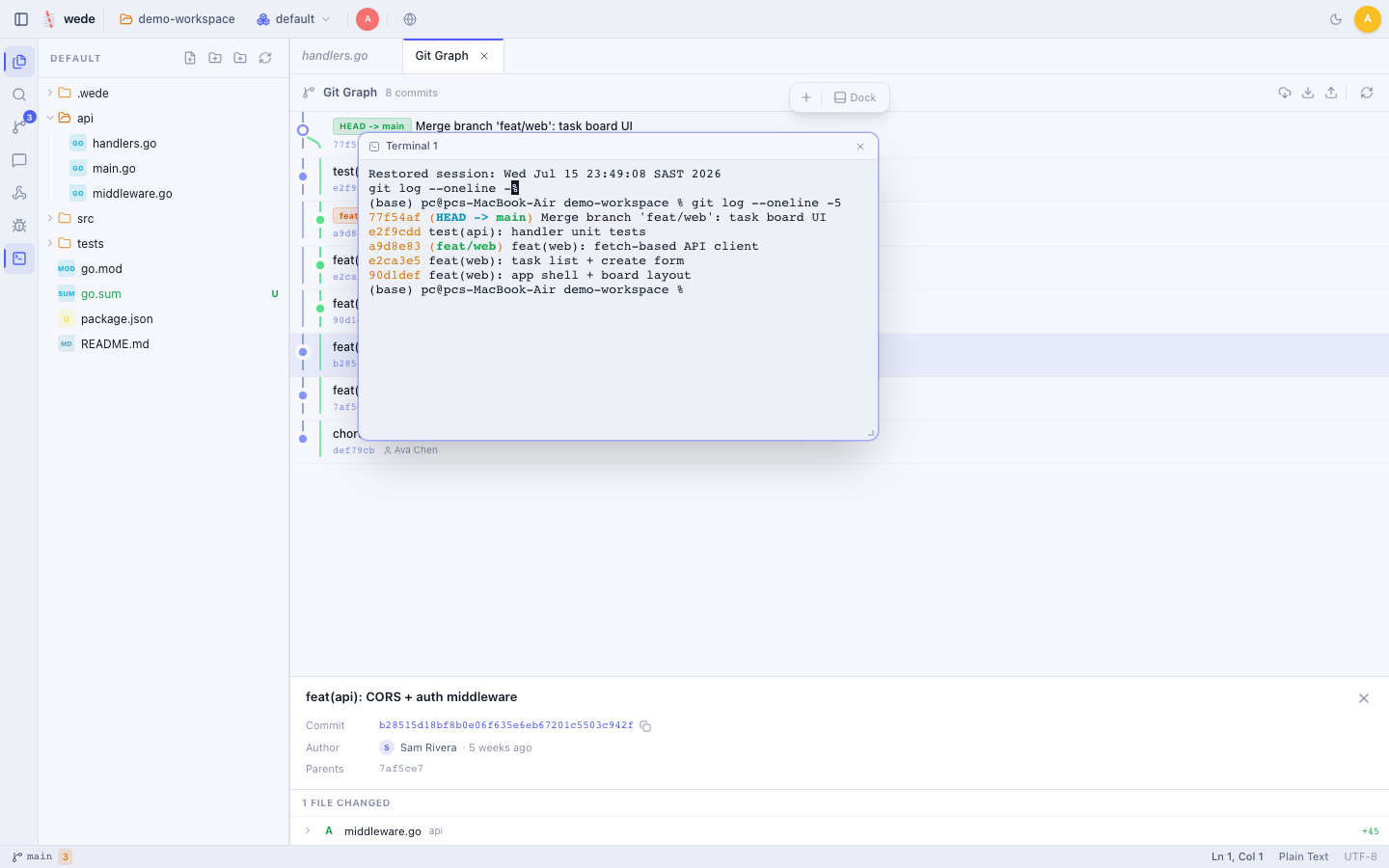
A visual commit graph with branches and merges, blame, side-by-side and per-hunk staging, cherry-pick / revert / reset / merge, tags, stash, and conflict resolution.
Full PTY terminals via xterm.js — multiple dockable or floating windows per workspace, shared live with collaborators. Run shells, SSH, Docker, anything.
gopls, typescript-language-server, pylsp and rust-analyzer built in; add any language server or debug adapter through config — no recompile, no marketplace.
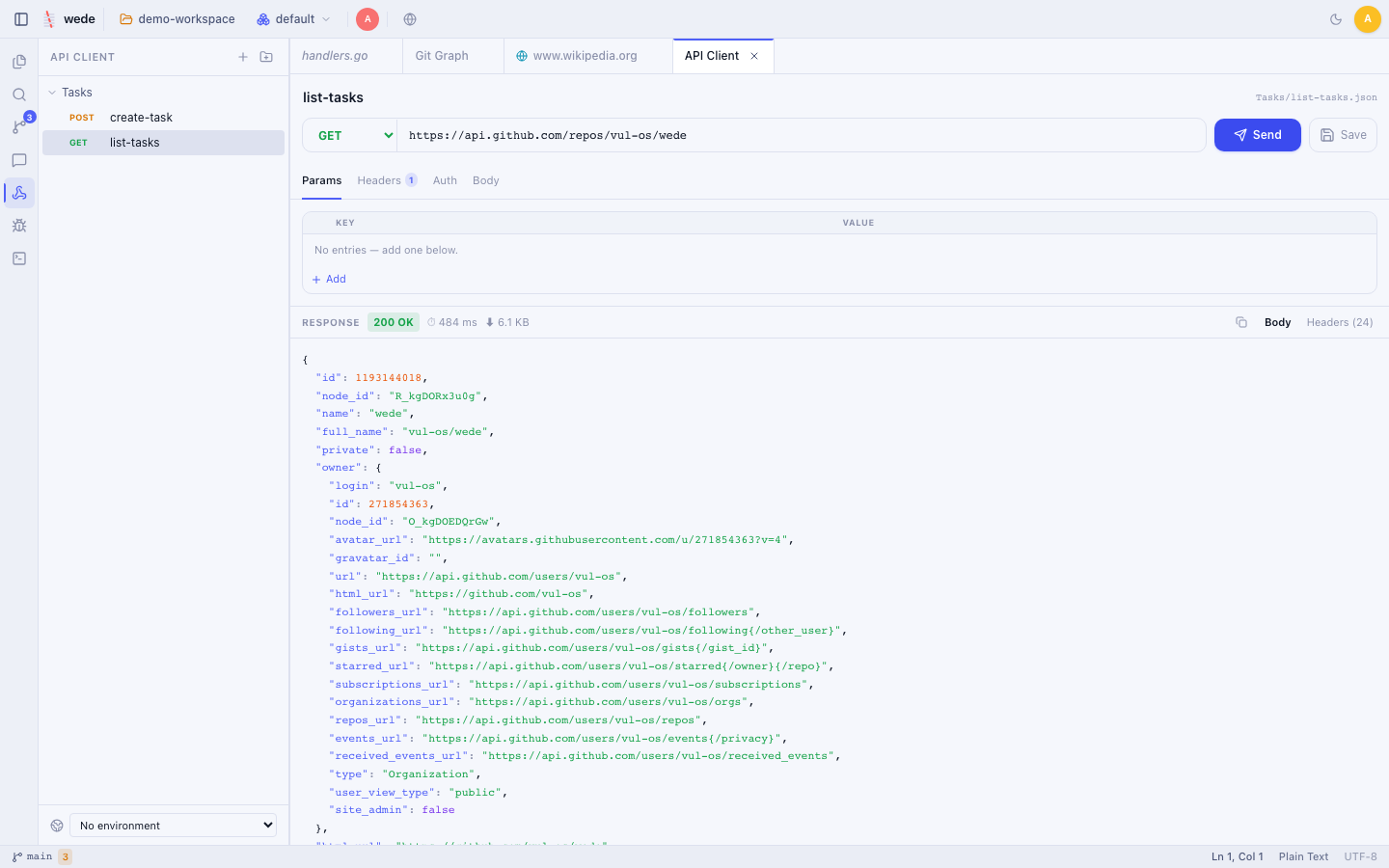
Go embeds the entire React frontend into one ~10 MB file. Workspace chat, a Postman-style API client, project-wide search and a sovereign relay agent are all included.
A visual tour
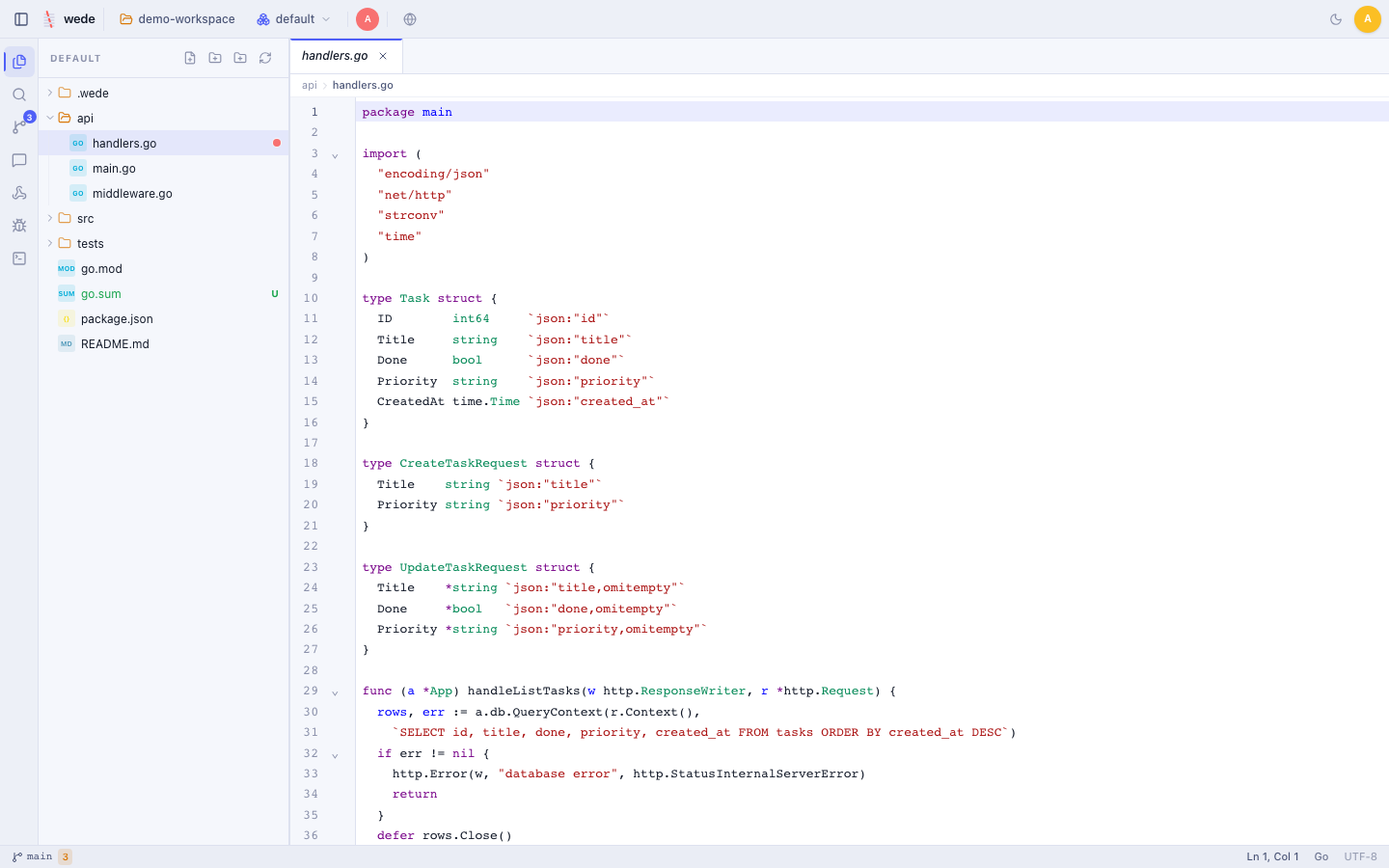
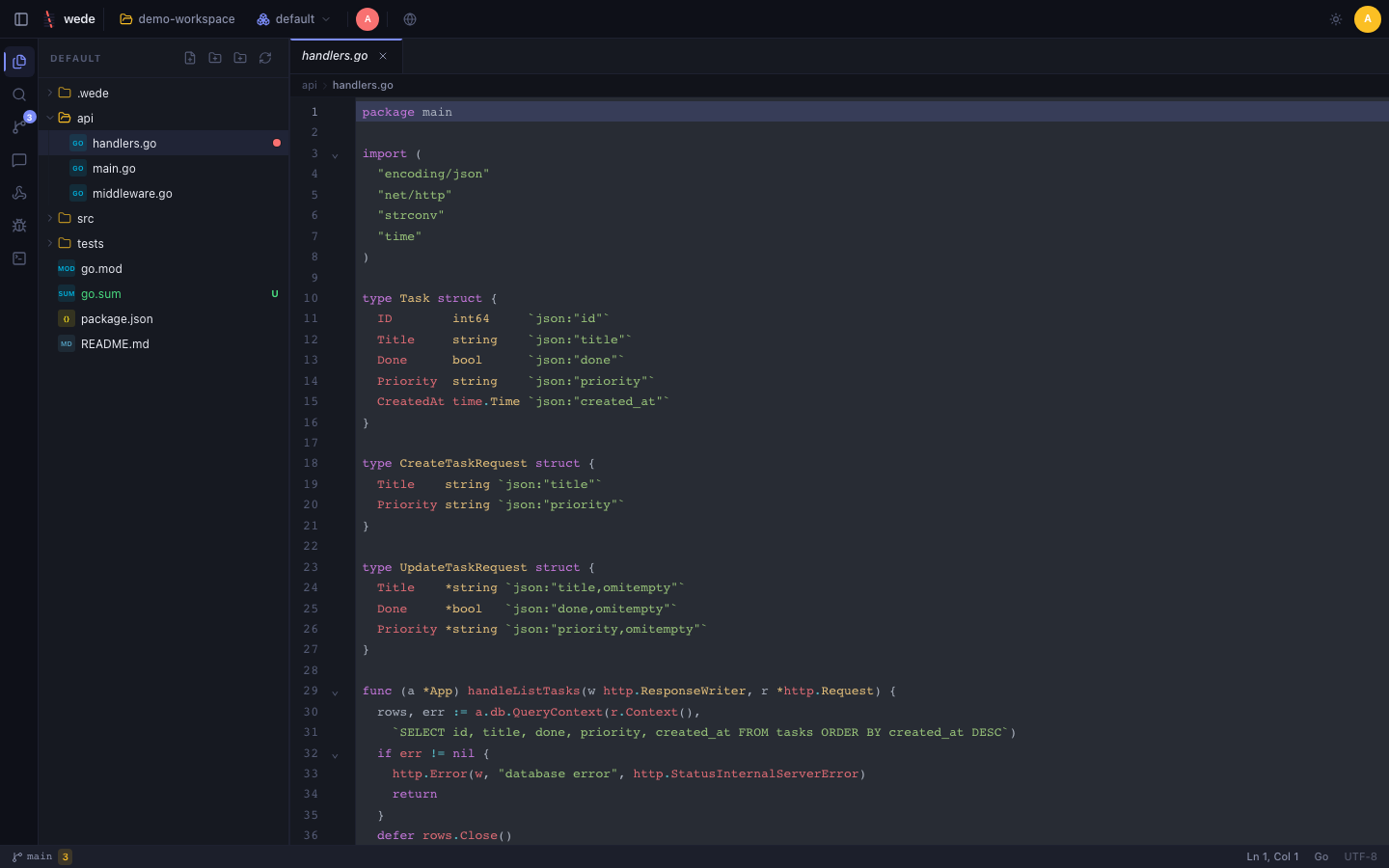
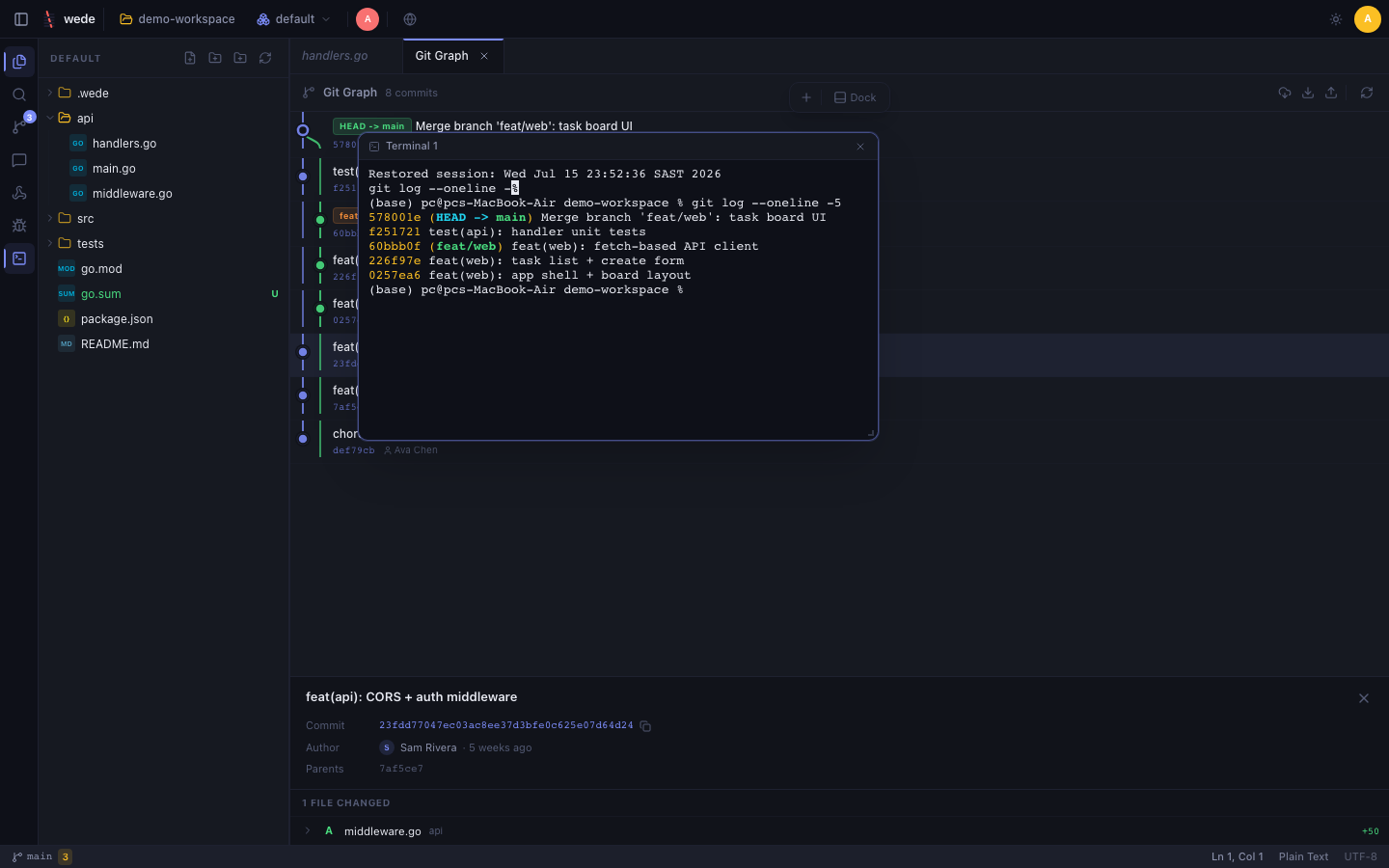
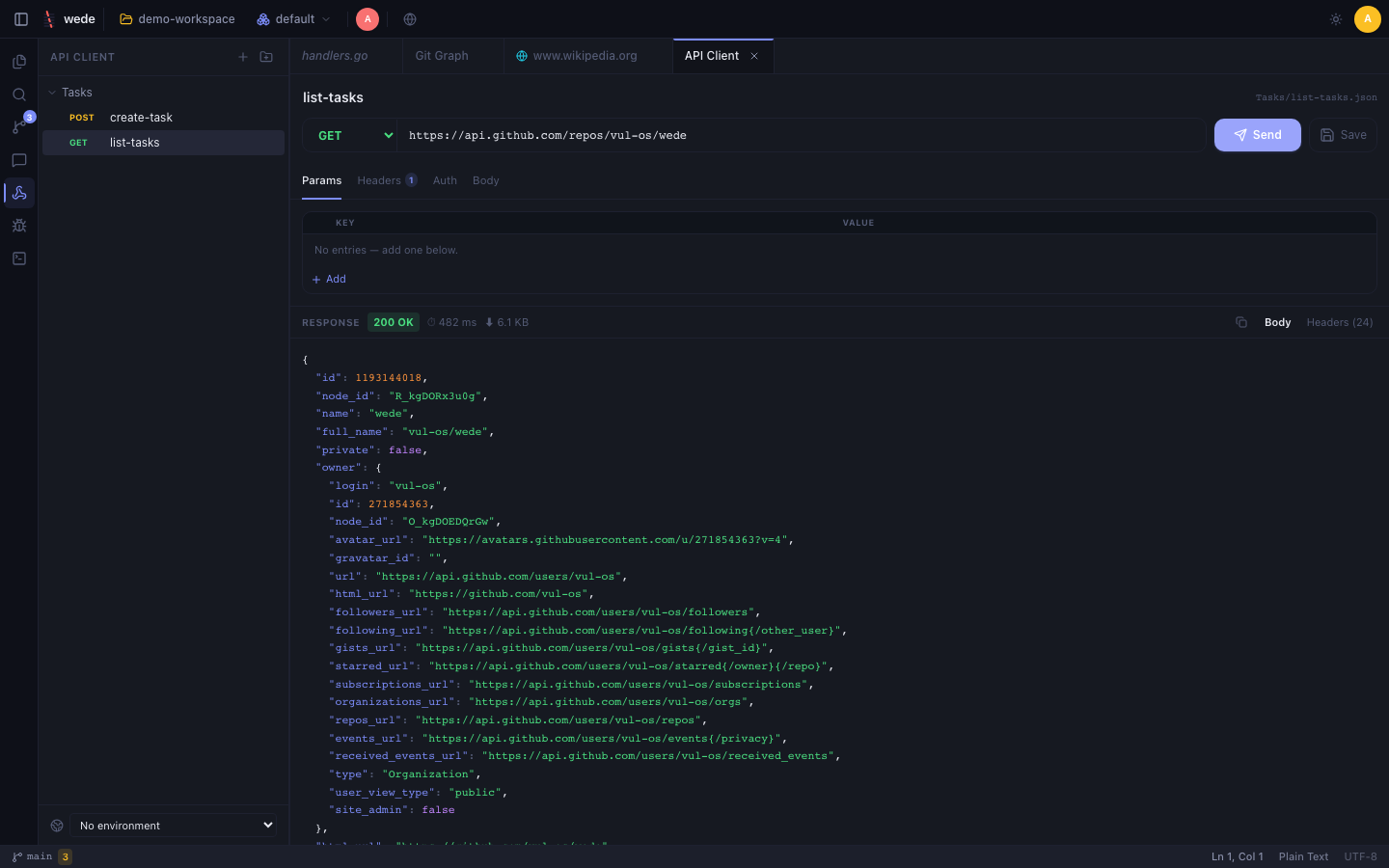
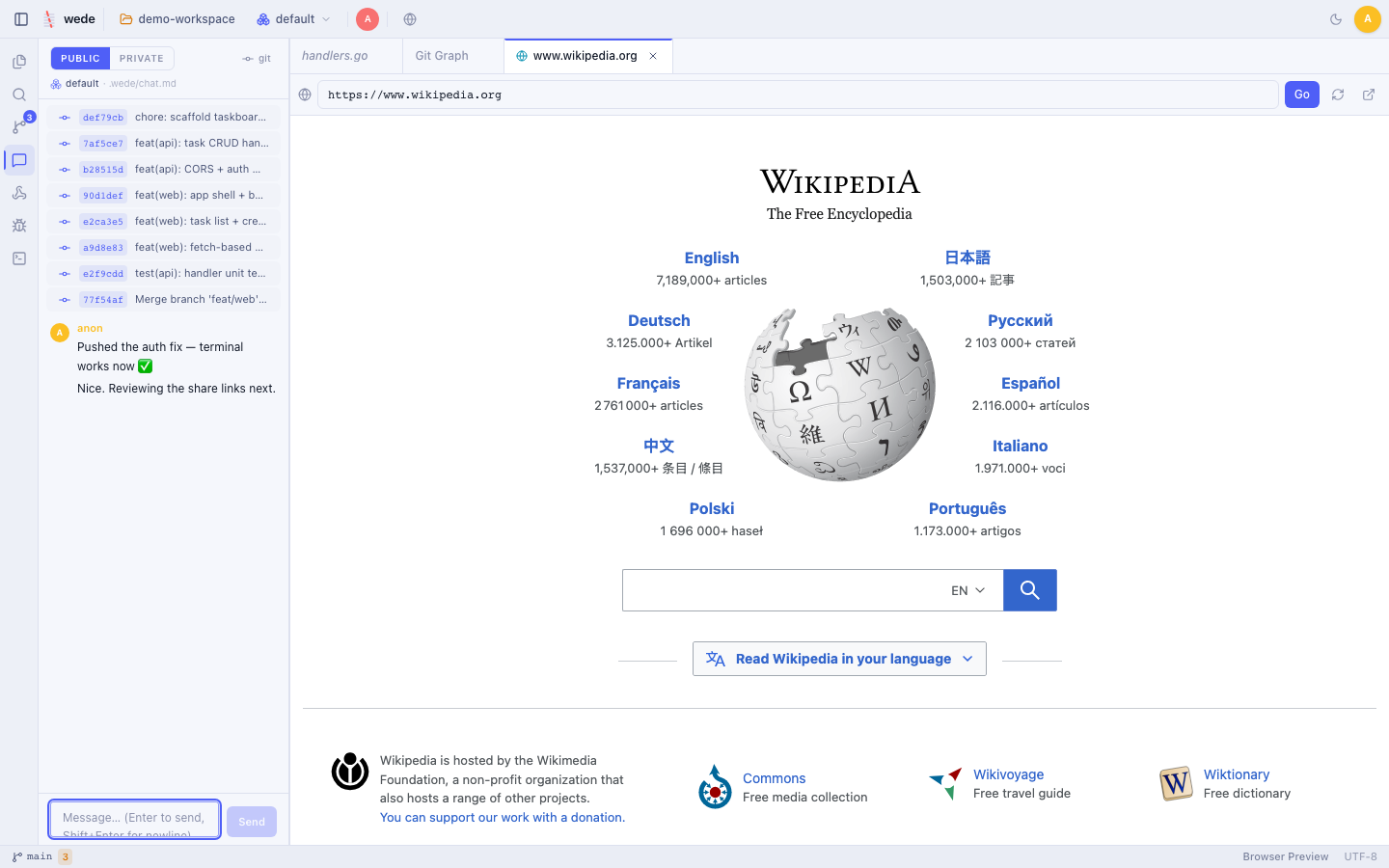
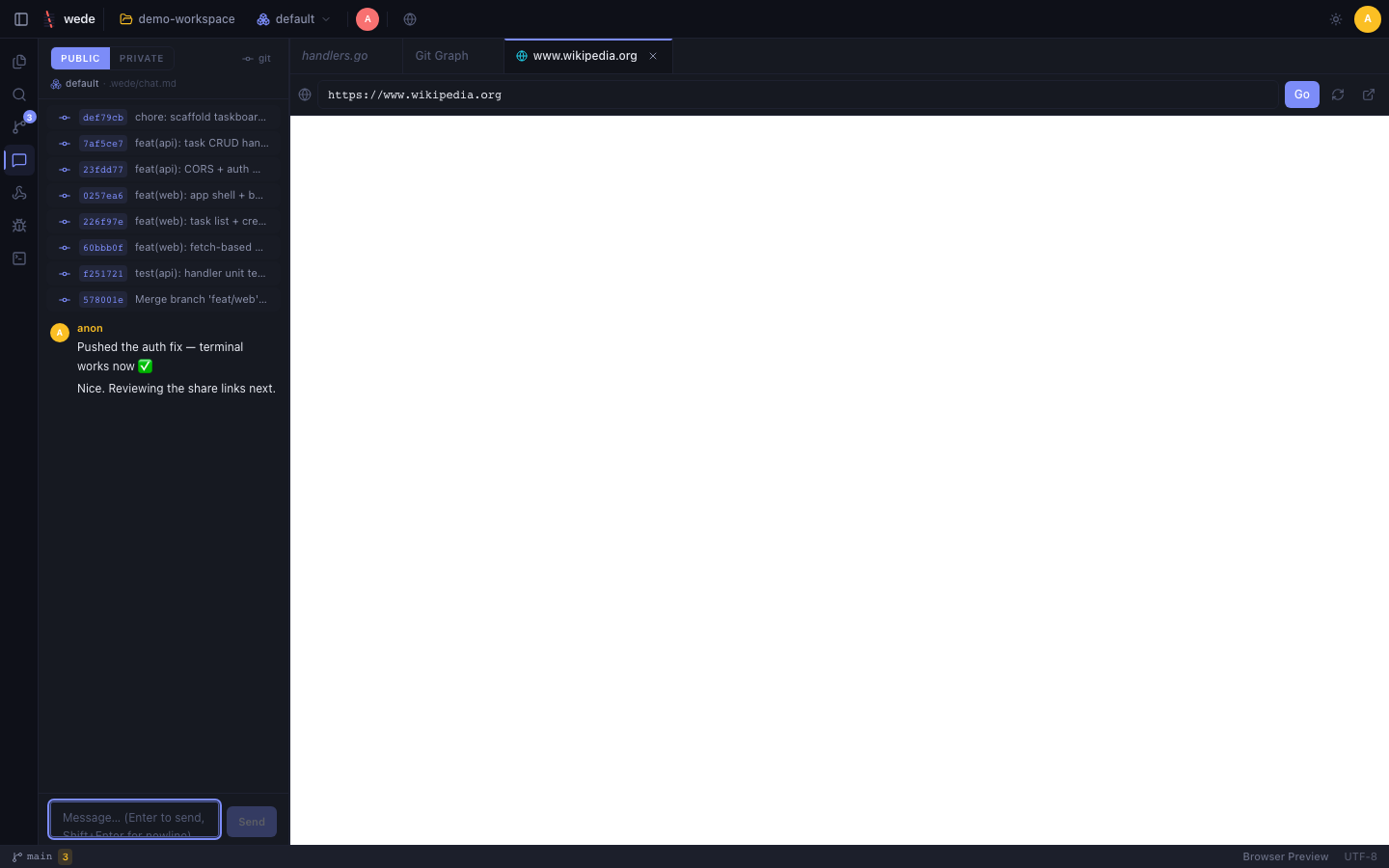
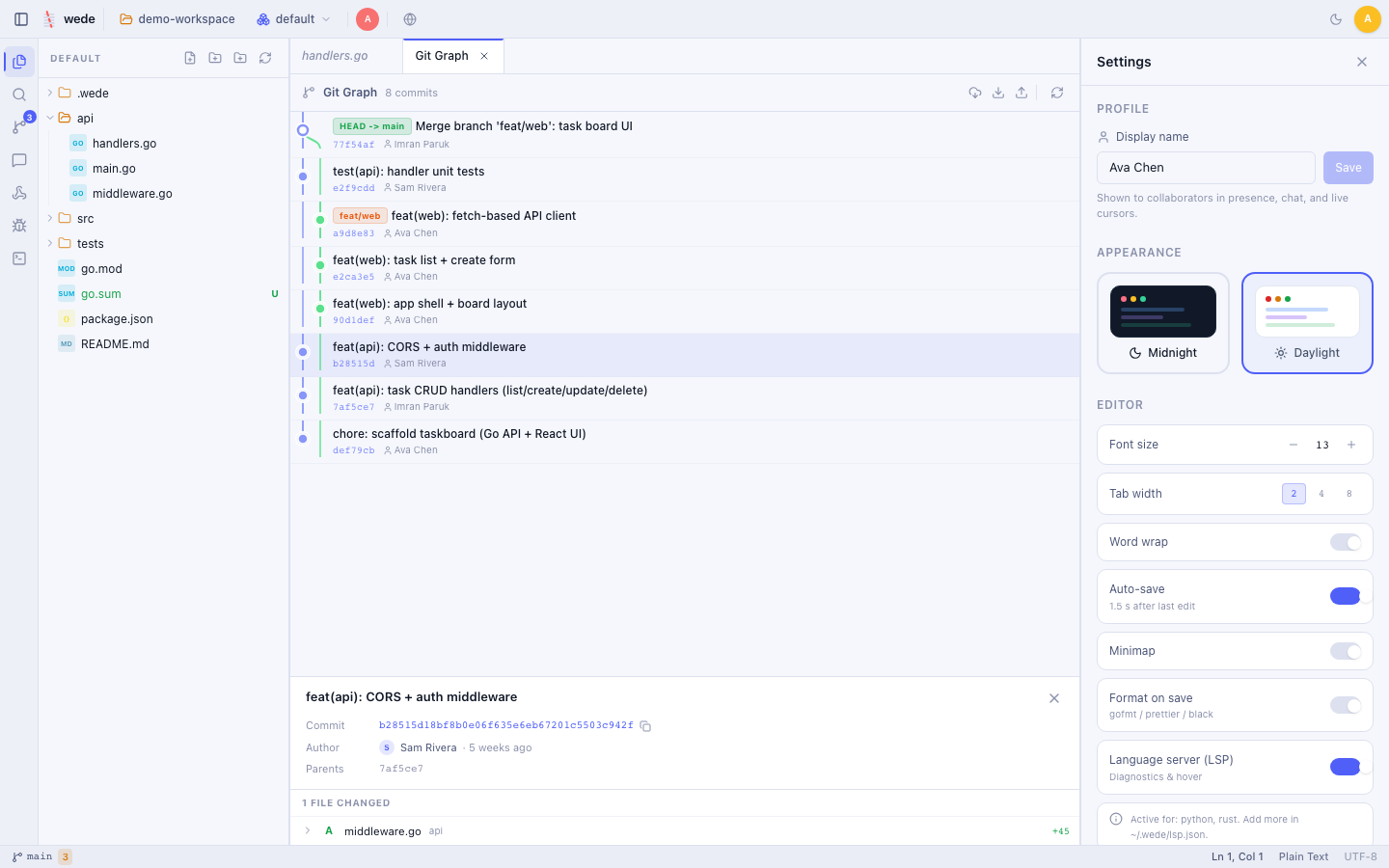
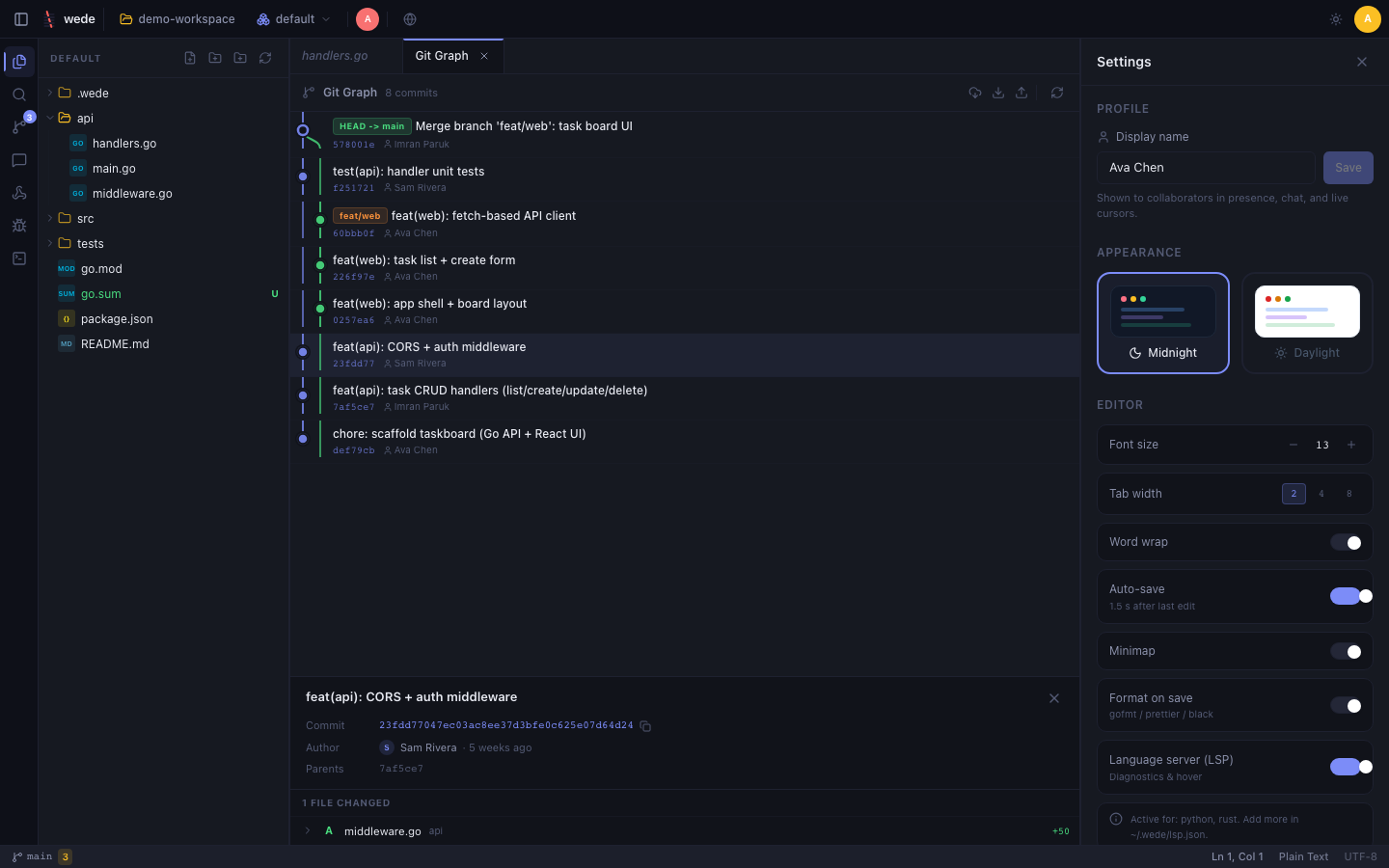
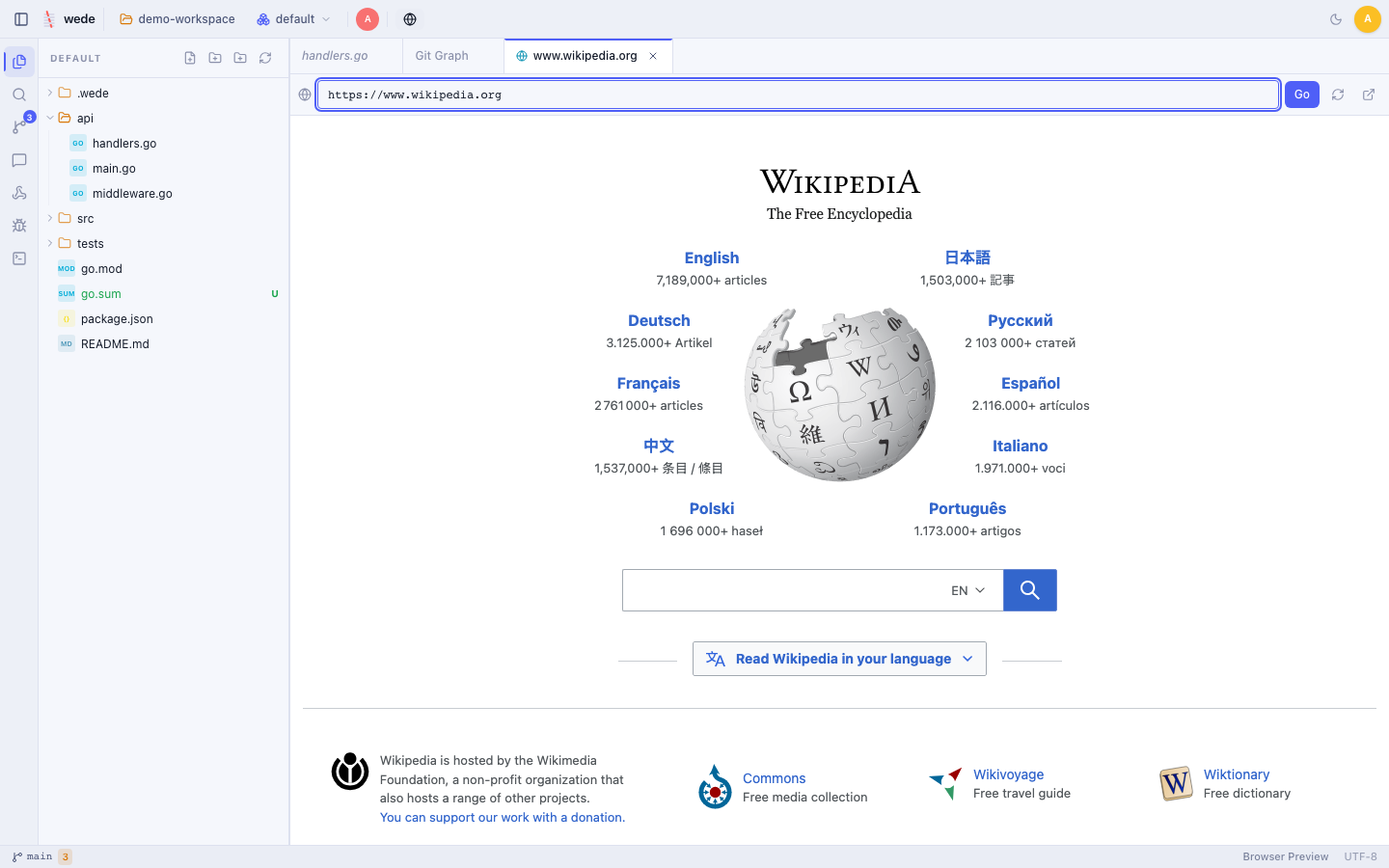
CodeMirror 6, 25+ languages, and the panels you expect — captured against a live demo workspace. These shots follow your theme.
Built to share
One host, many collaborators — with the guardrails to share safely.
Open a project and share a link. Everyone edits the same files at once with live cursors and presence, backed by a CRDT so changes merge without conflicts. Share links carry a role — editor or viewer — so you decide who can write and who can only watch.
Tokens are hashed at rest, compared in constant time, and revocable at any moment.
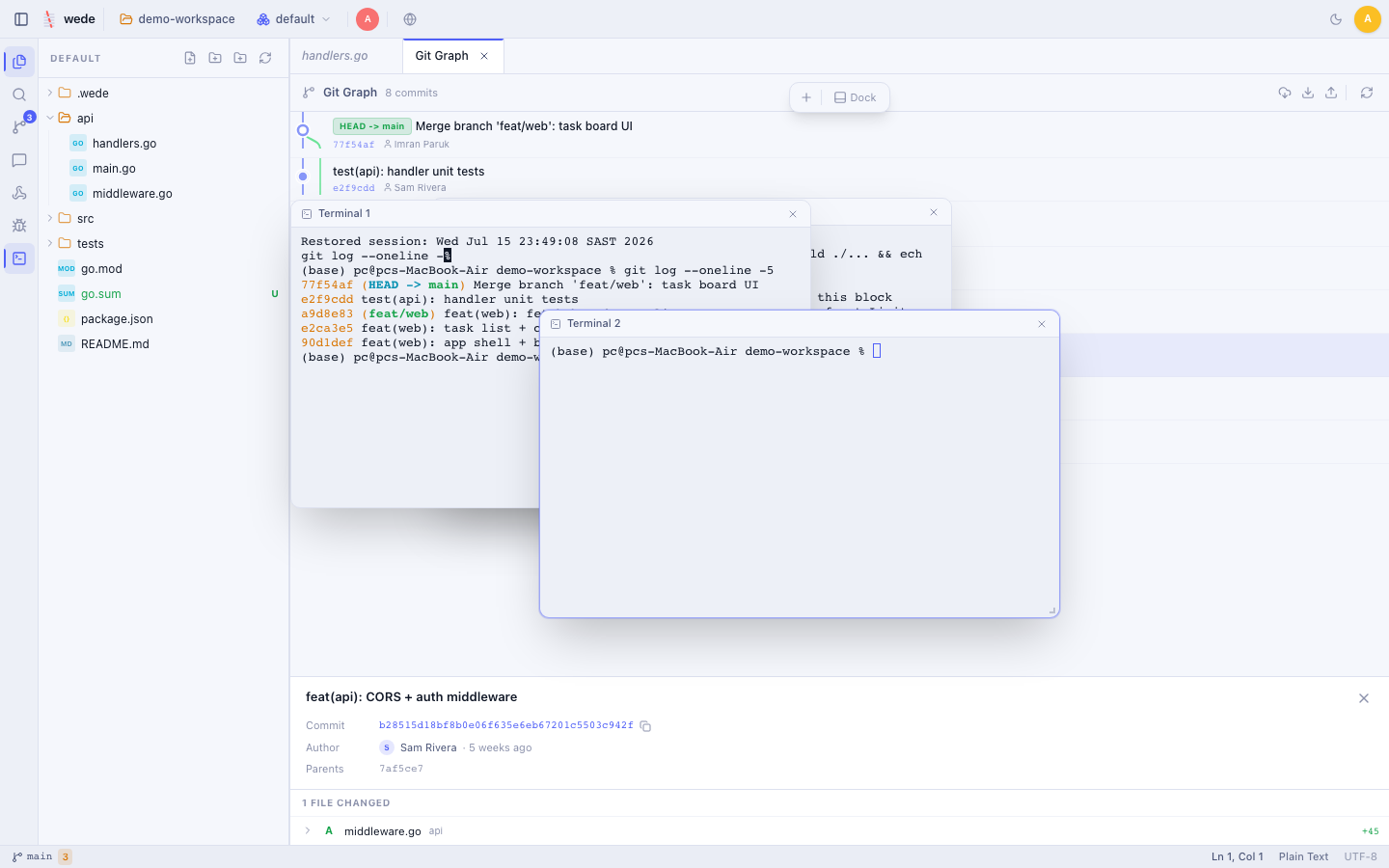
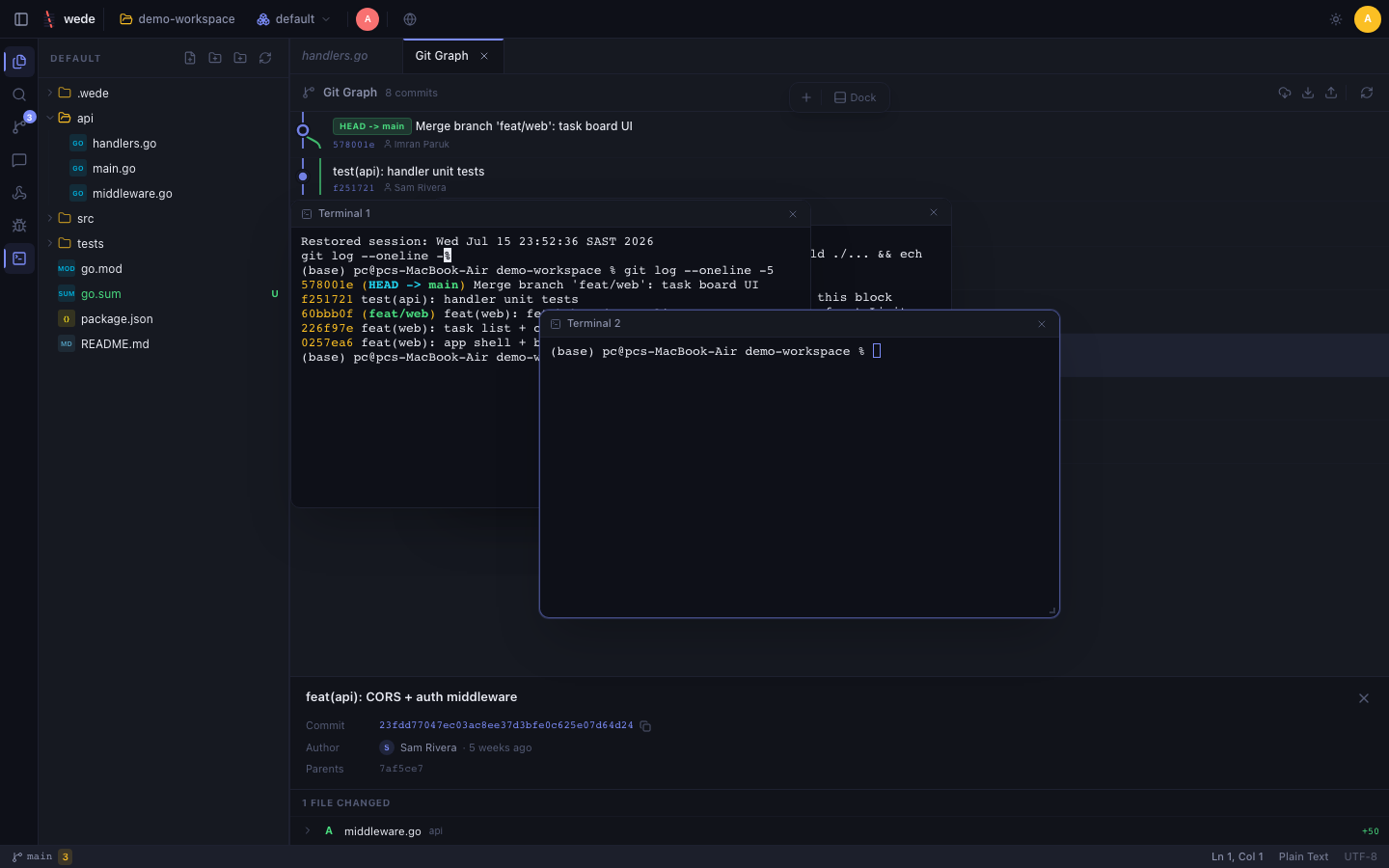
A visual commit graph renders branches and merges as an SVG DAG. Stage per hunk, write commits, blame lines, and cherry-pick, revert, reset, merge, tag, or stash — with real conflict resolution when histories diverge.
Full PTY terminals over WebSocket bring real shells into the browser — run builds, SSH, or Docker. Dock them in a panel or float them as movable windows over the editor; in a shared workspace, positions sync to every collaborator.
Two ways in
Every wede instance is one process you run yourself — no sign-up, no managed backend, no telemetry. Compile it from source or grab the installer, point it at a folder, and you're editing in under a minute.
git clone https://github.com/vul-os/wede.git
cd wede && npm install
npm run build:all  # → ./wede (frontend embedded)

# set a real password before you start it
cp wede.config.example.json wede.config.json

./wede /path/to/your/project
# open http://localhost:9090 and log in
Requires Go 1.25+ and Node.js 18+. You compile the binary yourself — nothing to trust but the source.
curl -fsSLO https://raw.githubusercontent.com/vul-os/wede/main/install.sh
less install.sh   # review before running anything piped from the internet
bash install.sh   # prints a generated password, then:

wede /path/to/your/project
# open http://localhost:9090 and log in
wede is community-maintained: a matching release for your OS/arch isn't guaranteed, and the script performs no checksum verification. Read it before you run it — or build from source instead.
wede.config.json — or let the installer generate one../wede /path/to/project — binds to 127.0.0.1:9090 by default.localhost:9090 and sign in with your password.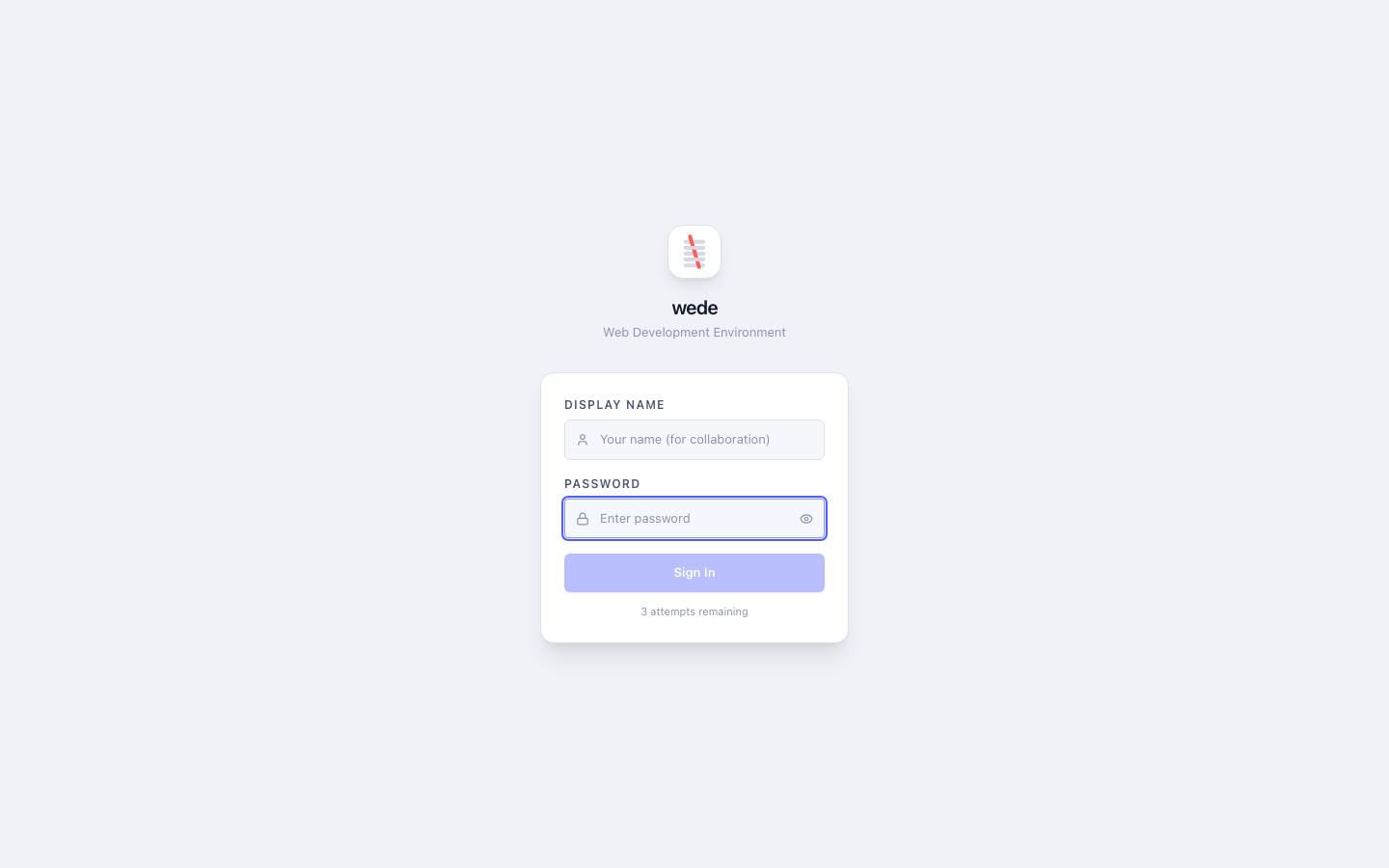
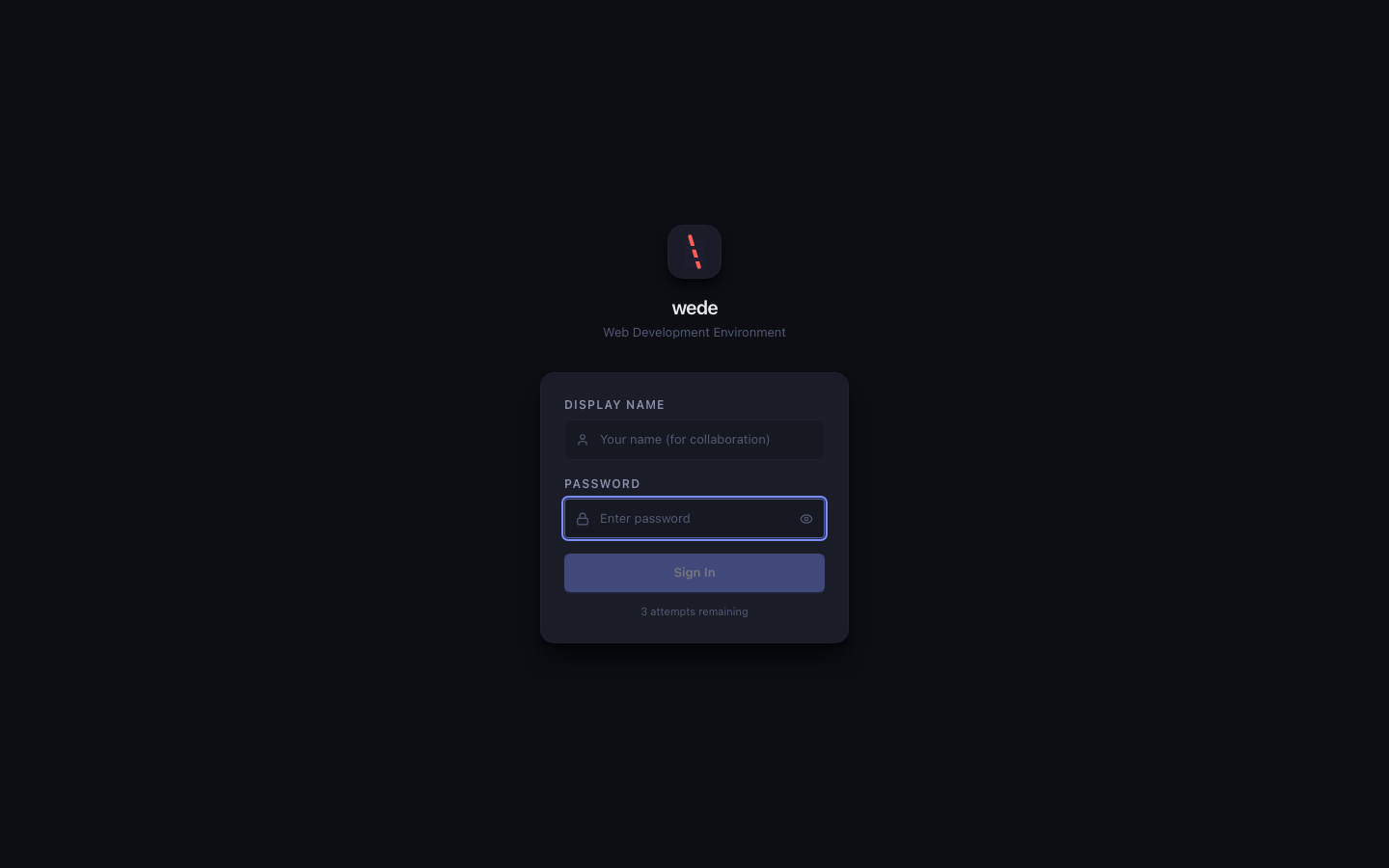
First steps
Once you're logged in, here's the tour — the same panels you'd expect from a desktop IDE, all running from the binary you just started.
Browse the file tree, click into any file, and start typing — CodeMirror 6 with 25+ languages and auto-save.
A full PTY shell right inside the browser. Dock it in a panel or float it as its own window.
Ctrl + `
Stage per hunk, write a commit, and watch the branch graph update live.
Workspace-wide search with ripgrep, regex, and replace across files.
Ctrl + Shift + F
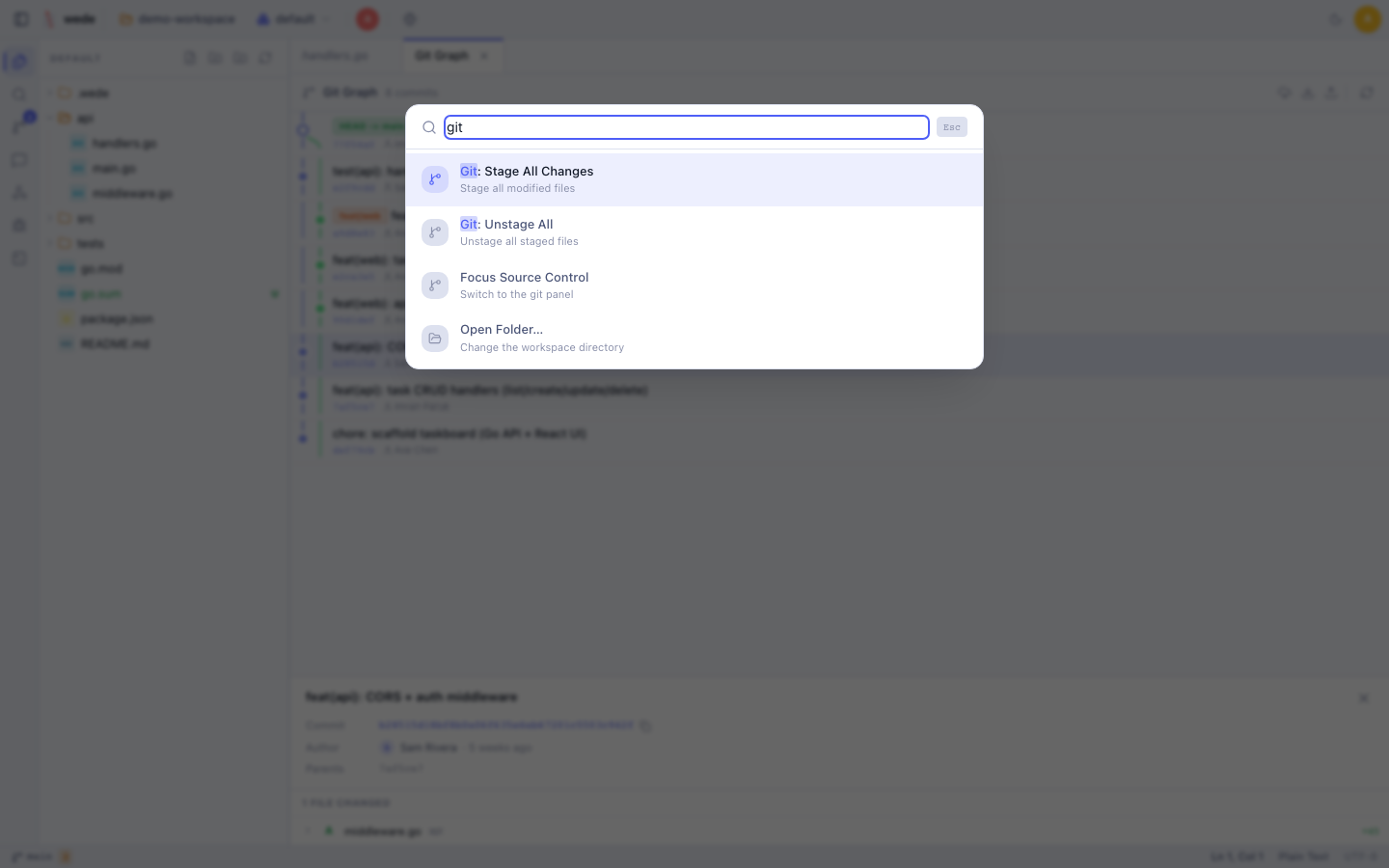
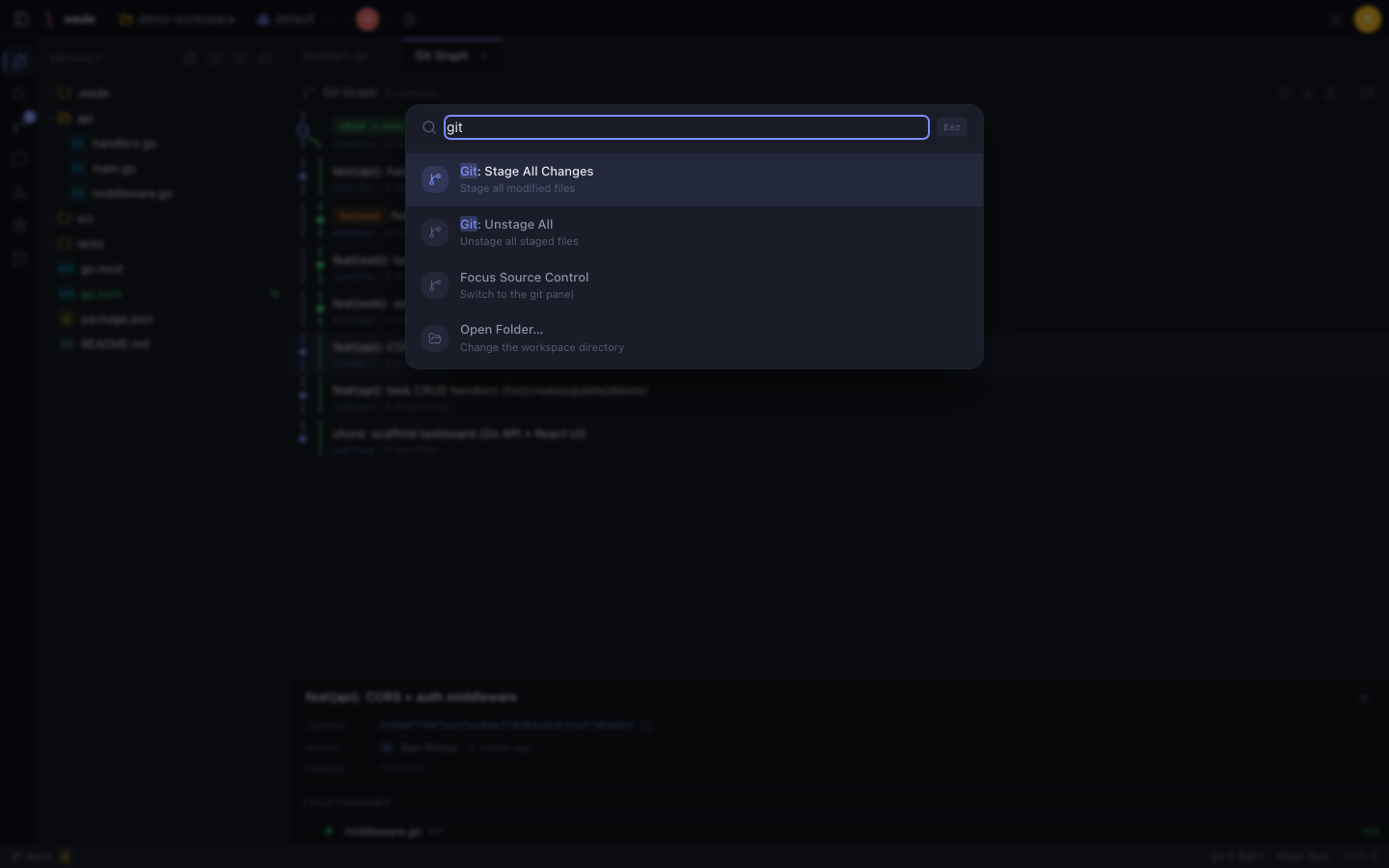
Fuzzy-search every IDE command — save, git actions, theme switch, logout.
Ctrl + Shift + P
Mint a share link, watch their cursor appear, and talk it through in workspace chat.
wede binds to 127.0.0.1 and your code never leaves your machine. Every mutating and shell route is gated by role, so viewer links are always read-only. wede is candid that an editor link grants a real host shell — treat those like SSH keys. Expose it on your LAN, embed it in Vulos OS, or tunnel it through your own sovereign relay only when you choose to.
Vulos is an open, self-hostable web OS and its owned apps. wede runs perfectly standalone — and embeds as a first-class app in the Vulos OS shell, alongside Ofisi, Files, Relay, and llmux, with routing and auth handled for you.
Explore Vulos →Download one binary, point it at a folder, and share the link. That's the whole setup.